The file DATAENTR2.TXT
This text file is placed in the schema folder and it defines the layout of tab and fields in the Data Input forms.
We suggest not to modify it manually, since the Admintools provide a specific tool for that:
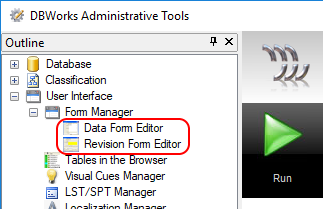
More, using the tools ensures that you won't delete necessary entries for the correct functioning of MechworksPDM.
This description is a reference for you to be able to understand how it's structured.
The format of the file is as follows: the first level (no indentation) is the TAB name, while all the indented field names are the entries for that specific tab.
Example
Id
ID
DESCRIPTION 75
CONFIGURATION
CONFIGURATION_REVISION
ITEM_CODE
STATE
REVISION
Files
FILE_NAME
FILE_DIRECTORY
Creation/Modification
CREATED_BY
CREATION_DATE
LAST_MODIFIED_BY
LAST_MODIFIED_DATE
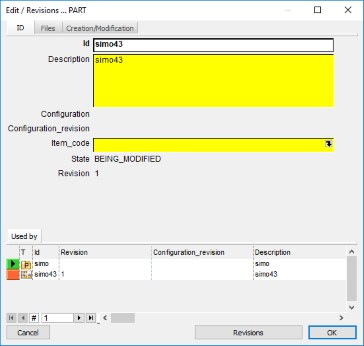
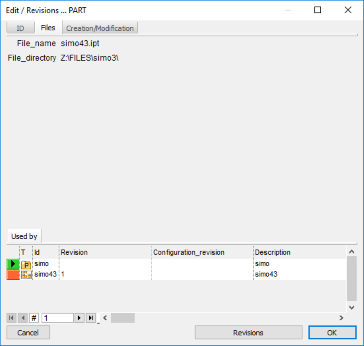
This definition generates a dialog like this:
|
|
|
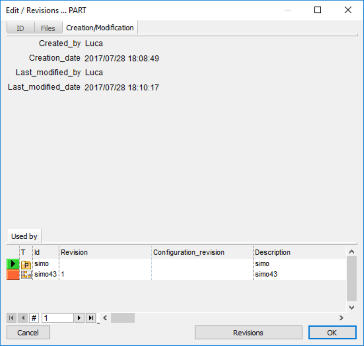
PARENT_CHILD table and REVISIONS table fields in the Data input form
It's possible to show related PARENT_CHILD and REVISIONS data in the DOCUMENT table data input form.
A definition like followings (please note it's language dependent) will show the specific PARENT_CHILD and REVISION data in a separated tab (between other common DOCUMENT table fields tabs):
... STATE REVISION English |
... ZUSTAND VERSION German |
|
|
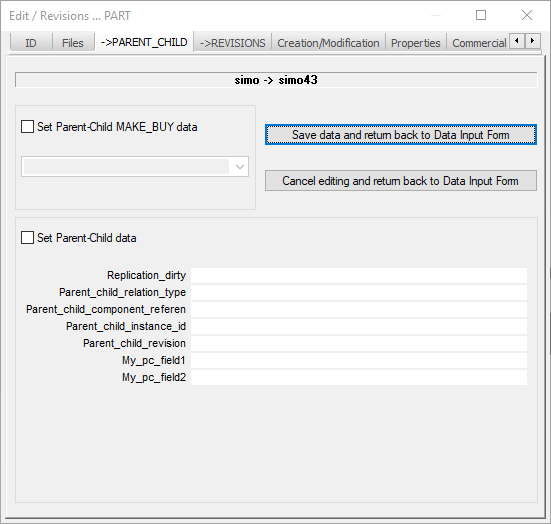
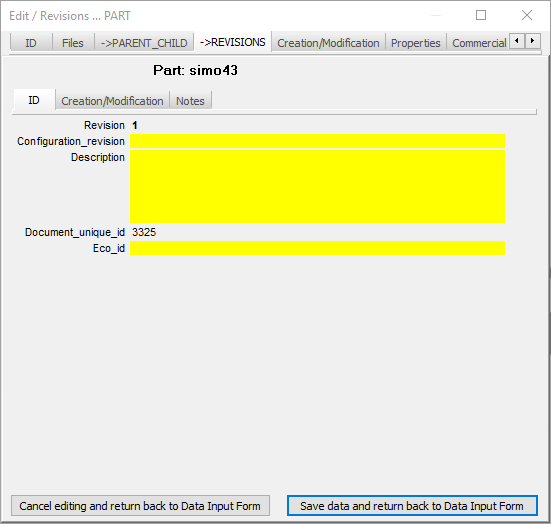
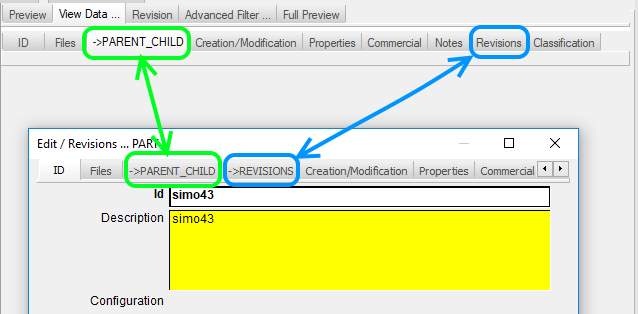
Please note the ->PARENT_CHILD tab is shown also in the View Data... tab of the TreePage, while it's not shown a ->REVISIONS tab since it's already present a Revision tab.