Description
Shows a file dialog box interface.
Syntax
Function DBWSelectFile(Root, Filter)
Parameters
Root |
the starting directory for the dialog box |
|---|---|
Filter |
the filter you want to apply. It is a string of the form: description1|filter1|description2|filter2|... see example for further information |
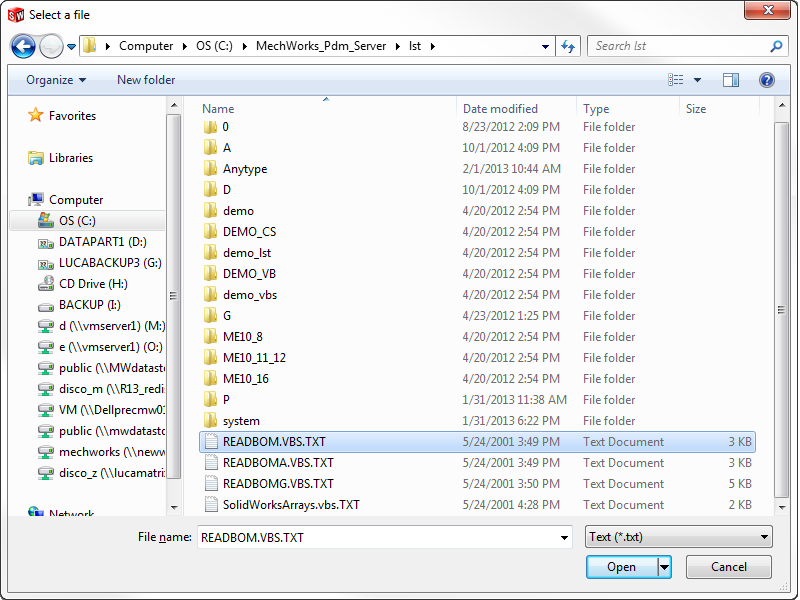
Return values
The function returns the full path name of the selected file without the last backslash "\"
Remarks
Please note the variable name "myfilter": it's better NOT to use the word "filter" because it could be a reserved one.
See also
function DBWSelectFileMulti
Example
rootdir = "C:\"
myfilter = "Text (*.txt)|*.txt|Pictures (*.bmp;*.ico)|*.bmp;*.ico"
risp = DBWSelectFile(rootdir,myfilter)
DBWMsgbox risp