Description
With this mechanism it is possible to drive the PDM from a script running out of the CAD environment.
Example
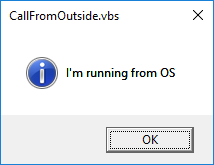
Suppose you want to run a vbs script from the desktop (CallFromOutside.vbs):
Msgbox "I'm running from OS",64,"CallFromOutside.vbs"
objstr ="SldWorks.Application.25" '25 is for sw2017
On Error Resume Next
Set DBWApp = GetObject(,objstr)
If Err Or DBWApp Is Nothing then
Msgbox "it was not possible to get the object for running SW",16,"CallFromOutside.vbs"
Else
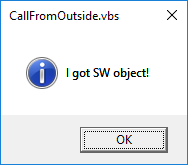
Msgbox "I got SW object!",64,"CallFromOutside.vbs"
cmd = "ExecScript HelloWorld.vbs"
okDBW = DBWApp.CallBack( "DBWORKS" & "@DBWorksShell", 0, cmd )
End if
With tyhe above script you want to run the HelloWorld.vbs script placed in the PDM environment (LST folder) that is usually available through the Utility menu in the toolbar:
Sub main()
DBWInit(TRUE)
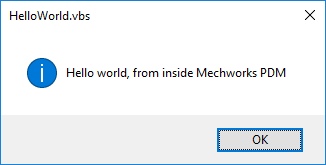
DBWMsgbox "Hello world, from inside Mechworks PDM"
End Sub
The resulting messages workflow, in order, is: