Project Manager integrated in DBWorks
The DBWorks Administrator is able to assign users to the created projects.
Right-clicking in the Project table of the main DBWorks document page, a function is listed at the end of the popup menu:
Project users assignment.
|
this entry appears only if enabled from DBWARM option, Project category:
|


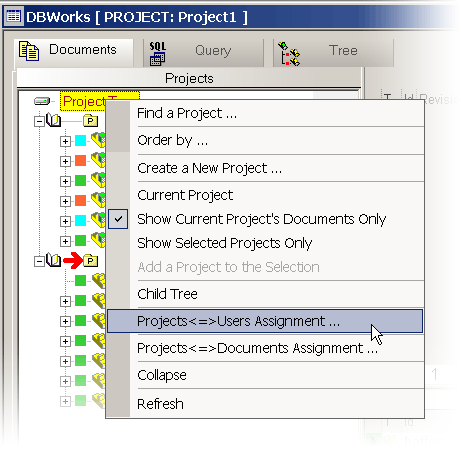
By choosing this entry, you activate a dialog in which Administrator can assign users to the currently selected project.
|
A generic user can only see the DBWorks projects he has been assigned to. |

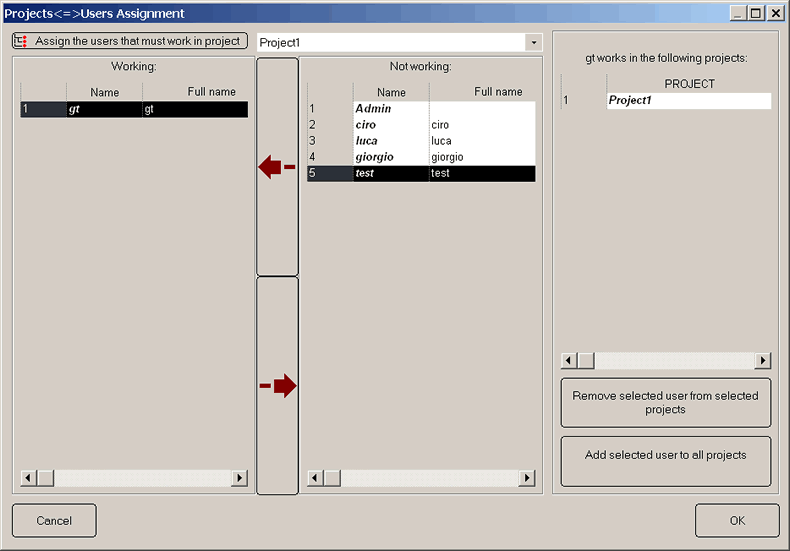
When you press the OK button to confirm, the system checks every user for the project assignments.
It exists a DBWorks Default group ( that can be edited ), to which ANY user not specifically assigned in the user table will belong to; in this way you can precisely define the behavior when a user is NOT explicitly listed in DBWARM.
|
If some user is not assigned to any project, a confirmation dialog alerts the administrator that some more work is required to complete assignments. |
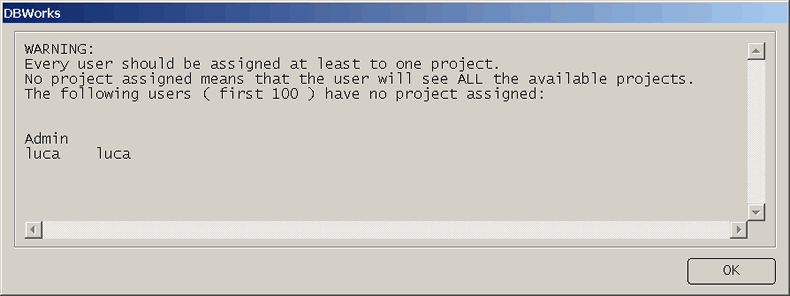
If you answer YES you confirm in any case the work done and let the administrator to change selected project in the DBWorks Project list and to repeat the procedure for another project.
|
To be sure that all projects are displayed in the DBWorks Project list (with the Project grid activated) you must press the button FILTER, To restore the usual working state with only assigned project displayed, press the DEFAULT button |

 leave the filtering mask EMPTY and confirm with OK.
Example
•The DBWorks Project list is not filtered and shows only the current user assigned projects.
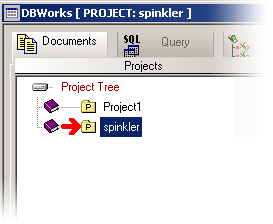
•The administrator wants to show all the created projects in the database: press FILTER button and then confirm OK leaving empty the mask.
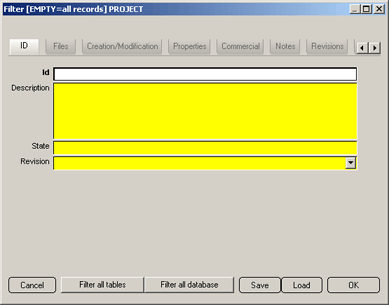
•Now the Project list shows all existing projects in the database.
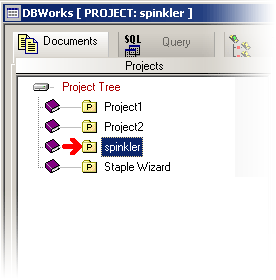
•Now the Administrator can select any project in the list and repeat the project users assignment