Log settings and shrinking in SQLServer 2008
Here is the procedure to shrink the database and to limit log file size in SQLServer2008
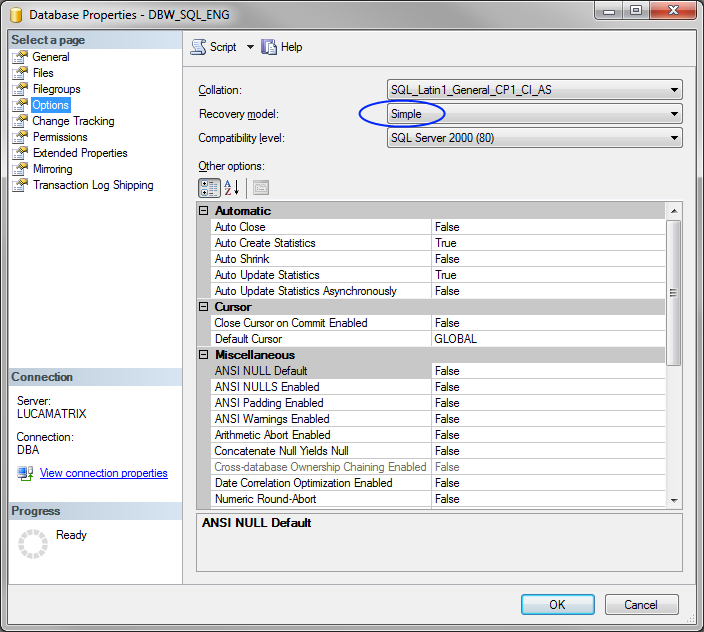
Setting Simple recovery model
RMB on the database → Properties → Options
set the Recovery model to Simple
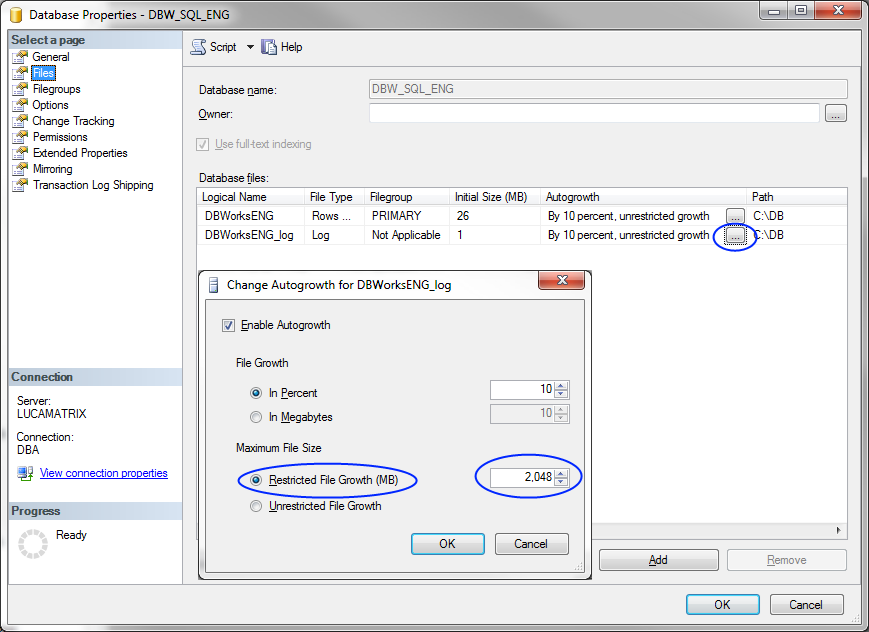
RMB on the database → Properties → Files
browse the Autogrowth and set a Restricted file growth value for the logfile
Shrink Log File
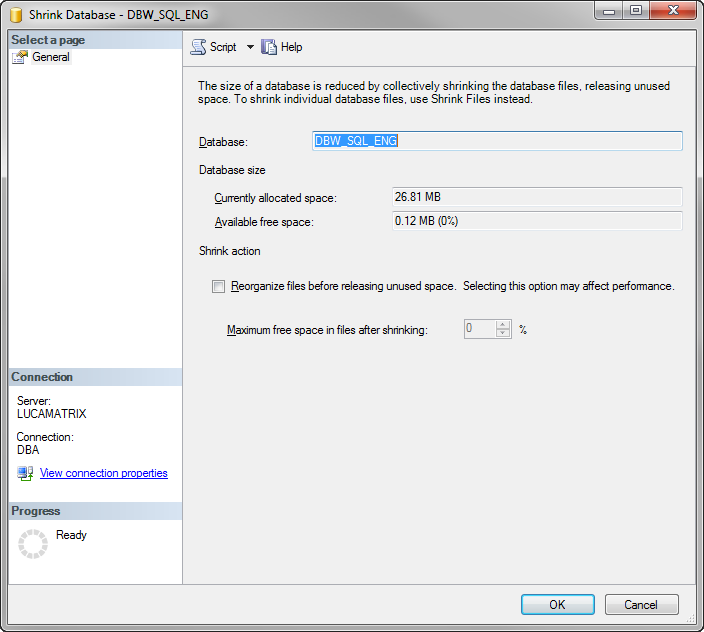
RMB on the database → Tasks → Shrink → Database →
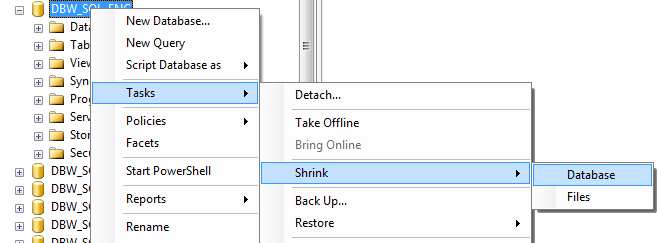
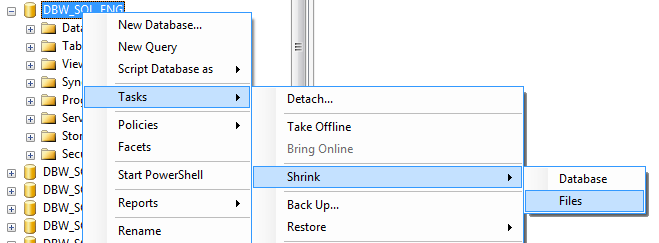
RMB on the database → Tasks → Shrink → Files →
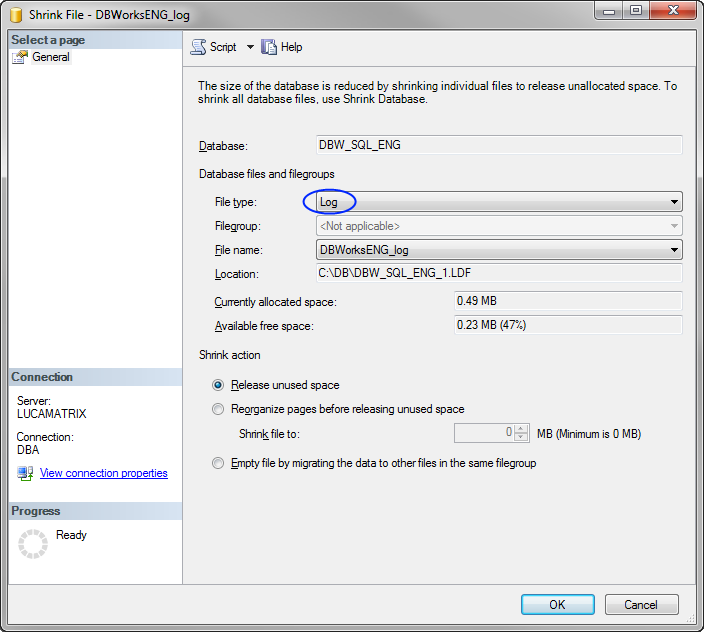
Set the File type to Data and click
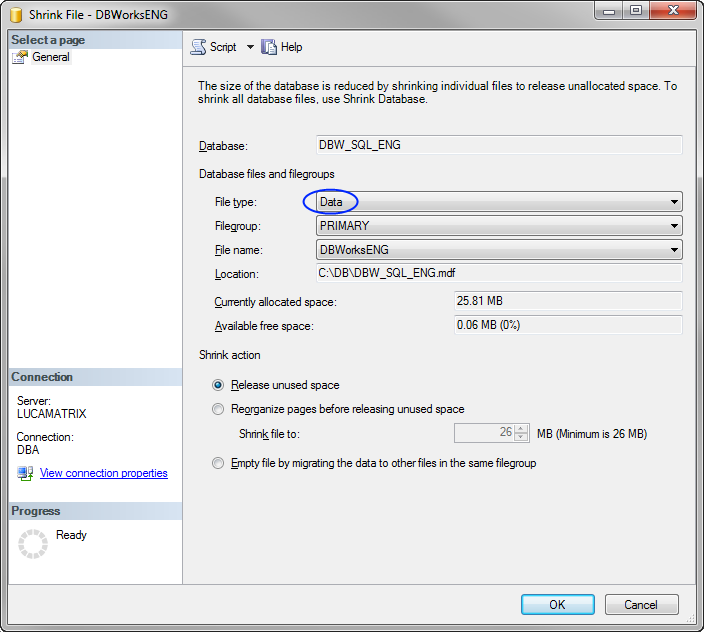
Then set the File type to Log and click