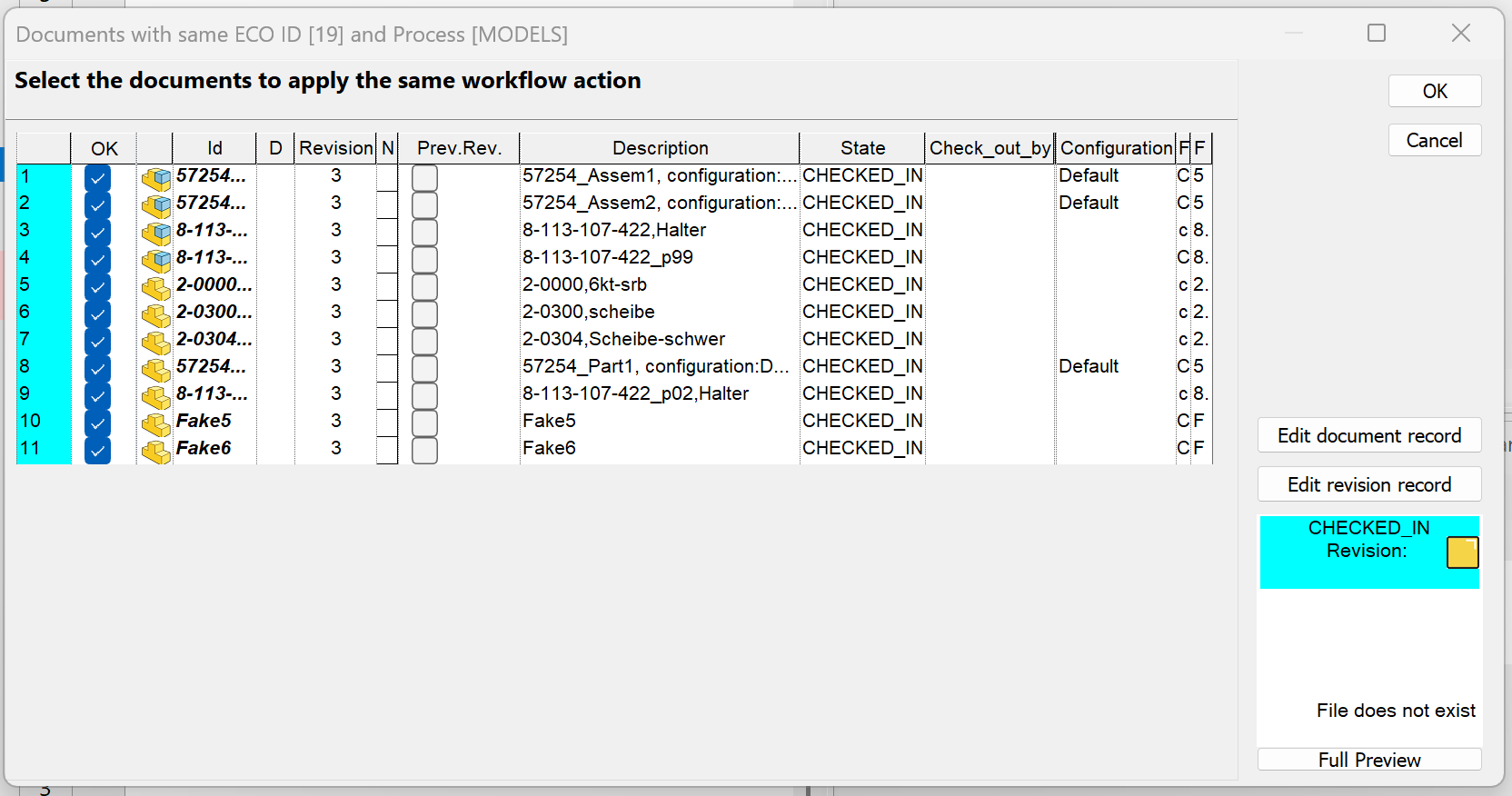
Starting from R26, a new Document Selector Dialog has been introduced to simplify and improve the workflow state change process for documents linked by the same ECO ID.
Previously, when changing the workflow state of a document, the system displayed a confirmation dialog that only allowed a global choice (apply the state change to all related documents or not).
With the new approach, the confirmation dialog has been replaced by a selector that allows the user to explicitly choose which related documents should proceed to the next (or target) workflow state.
This provides finer control and prevents unintended state changes on documents that should remain unchanged.