To convert a VBs Script the steps are:
a)Run the application and select the Conversion Page
b)Click the Load Original Script icon. A file selection dialog will appear.
Select the script to be converted. The script content will be displayed in the Original Script Panel, where it can also be edited manually if needed. Use the Save Original Script command to save the modified script.
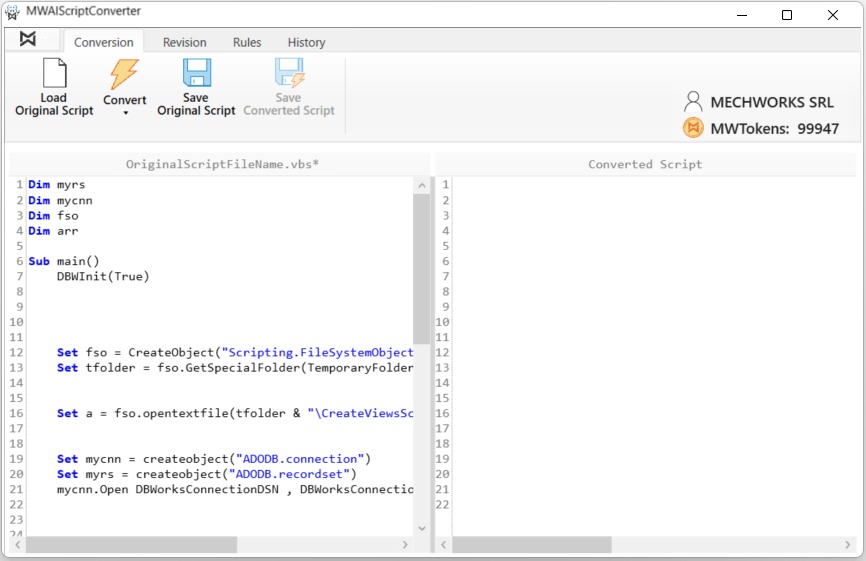
c)Using the Convert icon, select the target language.
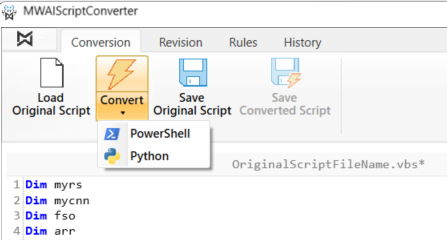
Selecting PowerShell or Python immediately starts the conversion process.
Note:
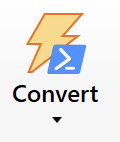
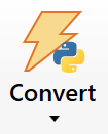
The selected target language is stored by the application. For subsequent conversions, it is sufficient to click the Convert icon directly. The Convert button icon updates automatically based on the selected target language
d)After a short time, depending on the size of the VBScript, the converted code is displayed in the Converted Script Panel.
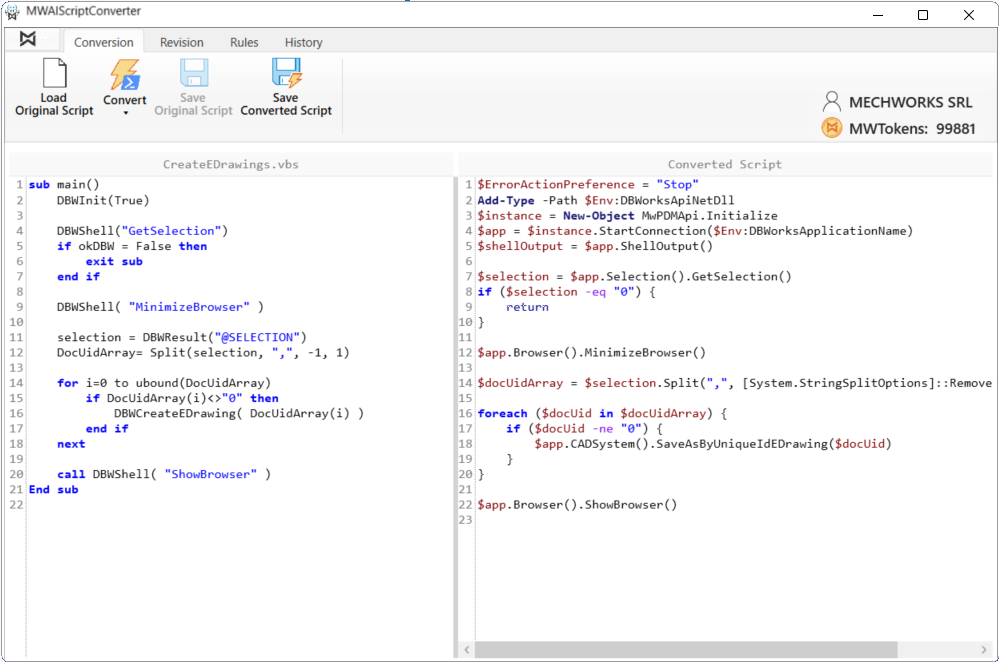
When the conversion is completed, a dialog box shows the number of MWTokens used, and the MWTokens counter is updated accordingly.
e)The Converted Script Panel is editable. In addition to the typical text editor operations, the user can:
a.drag comment lines from the Original Script Panel to the Converted Script Panel. These will become comment lines in the converted script.
b.drag lines of code from the Original Script Panel to the Converted Script Panel. These will also become comment lines in the converted script.
The revised script can later be used to automatically generate conversion rules. See section 6.2.1 “Automatic Rule Creation”
f)Save the result using the Save Converted Script icon.