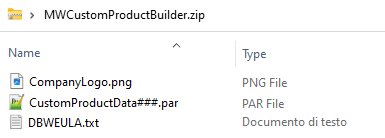
a)Run on your local machine the MWCustomProductBuilder.exe.
b)Below is the login user interface. To login an internet connection must be available.
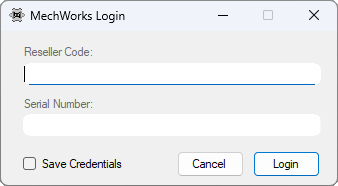
•Reseller code: the « R » + 3-digit Reseller code.
•Serial Number: Any 10-digits MechWorks valid serial number (the same credentials used by Resellers to login on to the MechWorks website reserved area. The application remembers the last used).
•Save Credentials flag: check it if you want to save the login credential on the local machine.
c)Fill the information in the Company Data tab:
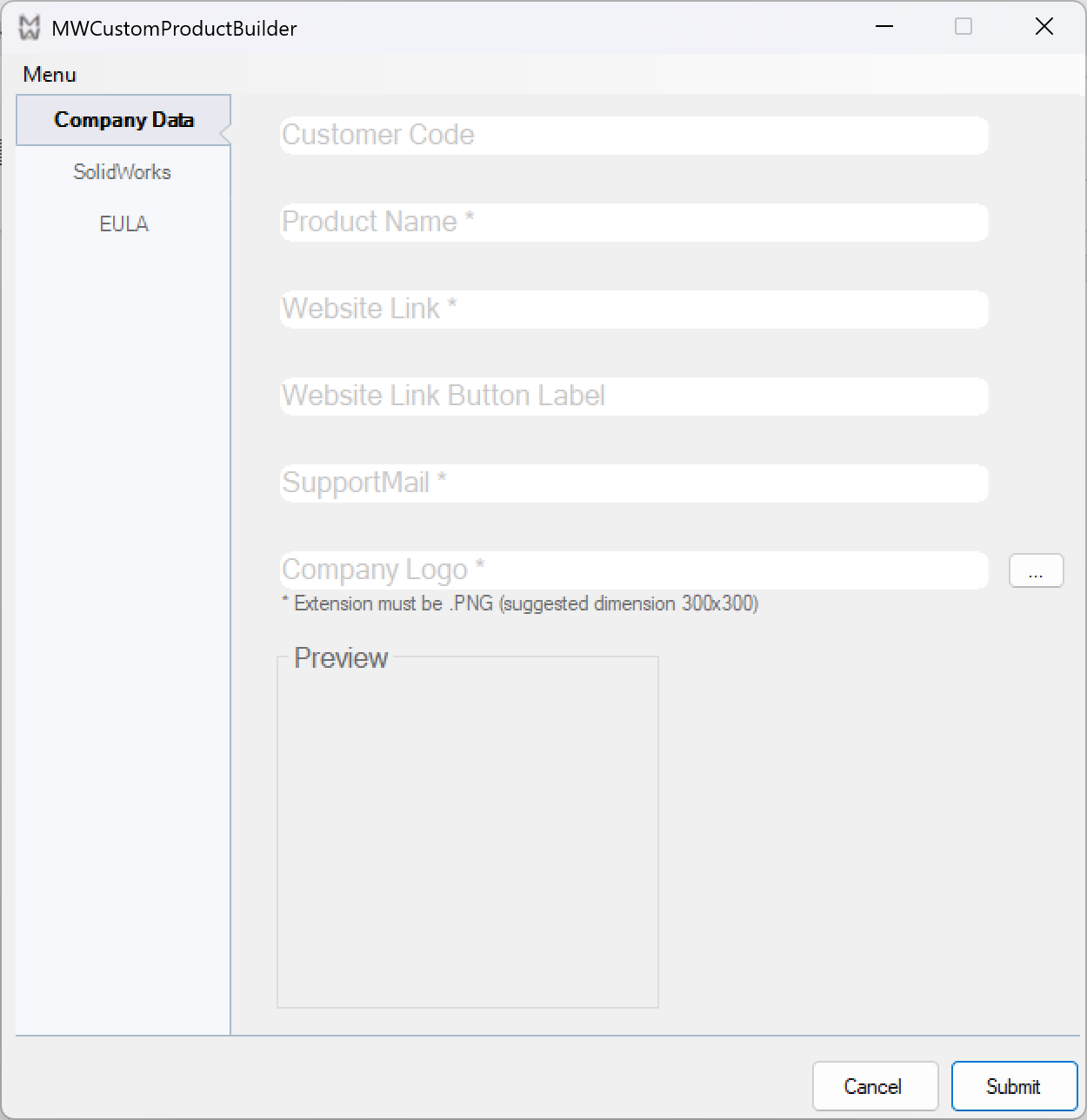
Customer Code and Website Link Button Label are not mandatory fields.
Note:
In case the customization is used by a reseller the field must be left empty. If the Customer Code is left empty the Reseller implicitly becomes the owner.
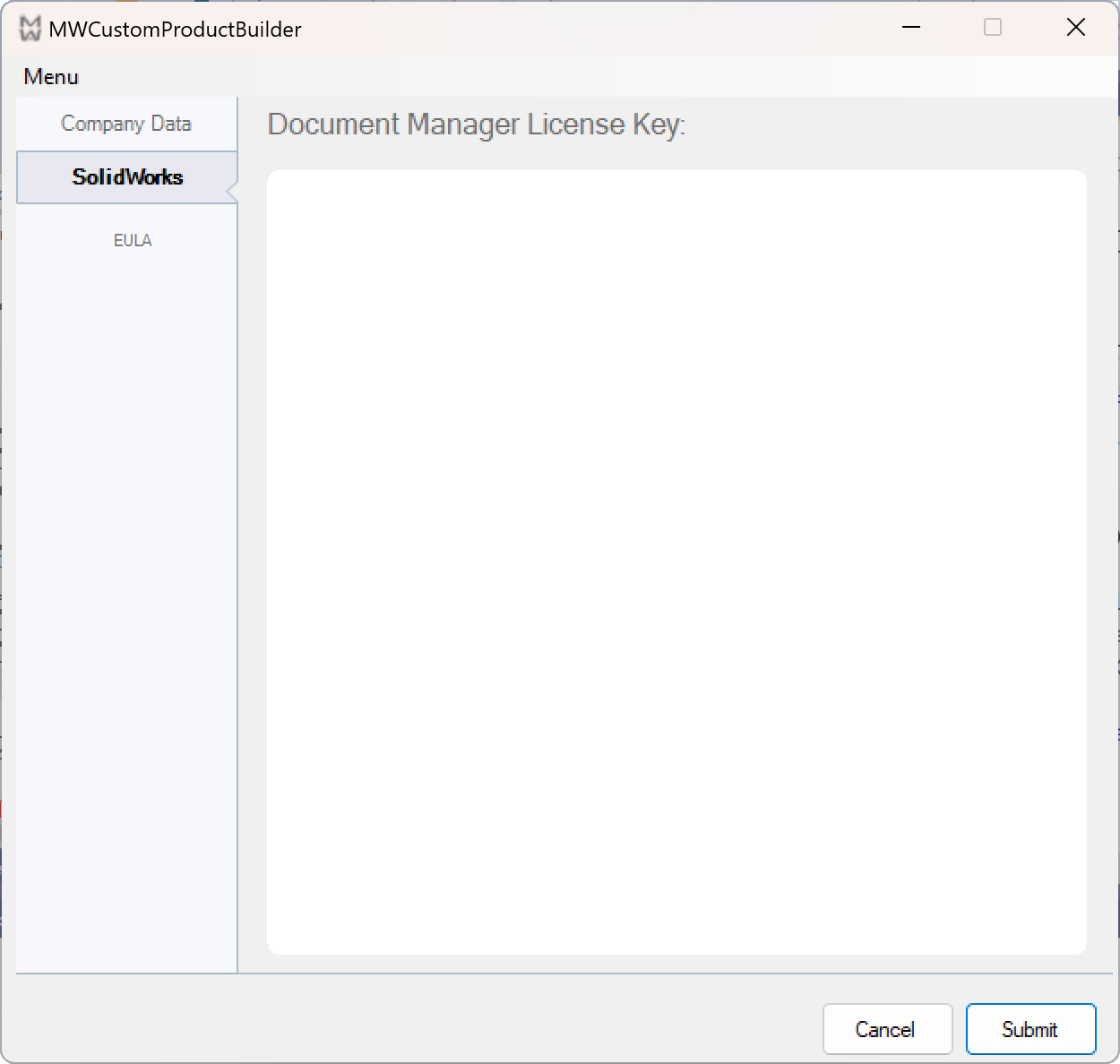
d)If required, insert the Document Manager API License Key in the specific SolidWorks tab:
e)Move to EULA tab. By default, the MechWorks EULA is selected. If required, select a customized EULA file, extension must be .TXT.
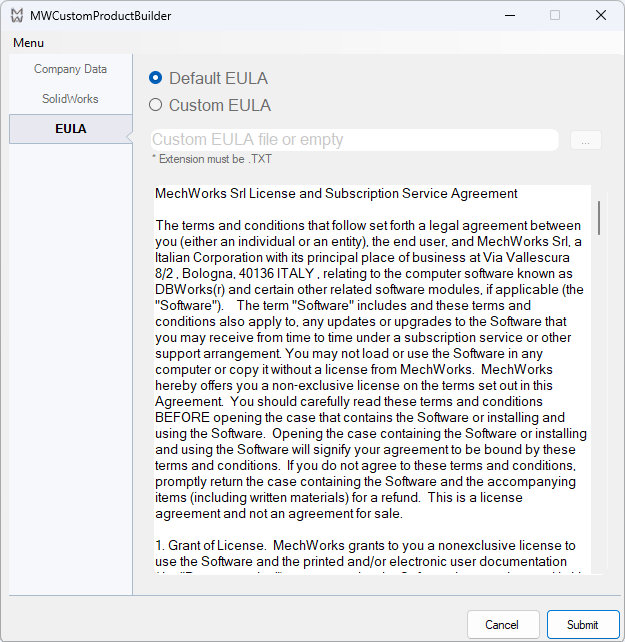
Note:
IF the EULA.TXT file is empty no EULA will be available in the application About.
f)When all forms are filled out, click the SUBMIT button. The MWCustomProductBuilder application is closed and a ProductName.zip file is created in the same directory as the executable.
Inside the zip file:
a.A bitmap containing the Company Logo.
b.A DBWEULA.txt file containing the EULA
c.An encrypted file called CustomerConfigurationData###.par containing:
i.Document Manager Key extension if required.
ii.Customer Code.
iii.Customized PDM name.
iv.Link to company website.
v.Website link button label
vi.E-mail to support.