DBWorks Variant Notes can be inserted in SolidWorks Drawing Blocks
It is possible to declare as Variant Note a Note inserted in the definition of a Drawing Block of SolidWorks.
The steps needed are:
1.Select the block and RMB->Edit Definition
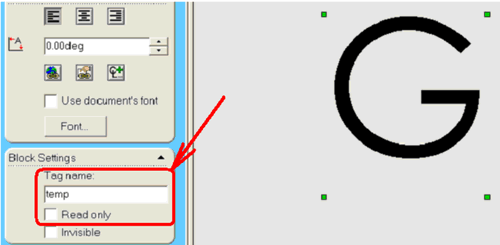
2.Select the Note that will host the DBWorks Variant Note and assign a temporary Tag Name (any); make sure the Read Only flag is unchecked
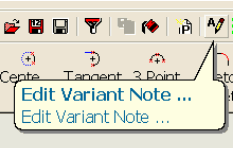
3.Press now the Edit Variant Note button in the DBWorks Toolbar and assign the Variant Note
4.Assign the Variant Note as usual
5.Save and Exit the Block Definition
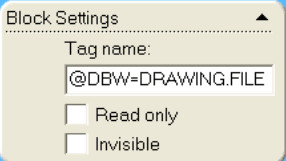
6.To check that all is correct, edit once again the Block Definition and check that the Tag Name contains now the DBWorks Variant Note definition: