Example on Masks settings
Here you find a step by step procedure that shows how to use masks.
•We assume that all Windows account are already registered as DBWARM login users.
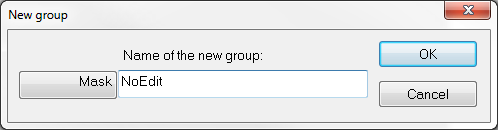
•First of all open DBWARM manager and click on Create a new group button; in the dialog change DBWorks to Mask by clicking it and name the new mask NoEdit.
•A dialog will be shown asking for Denied access rights for Mask NoEdit
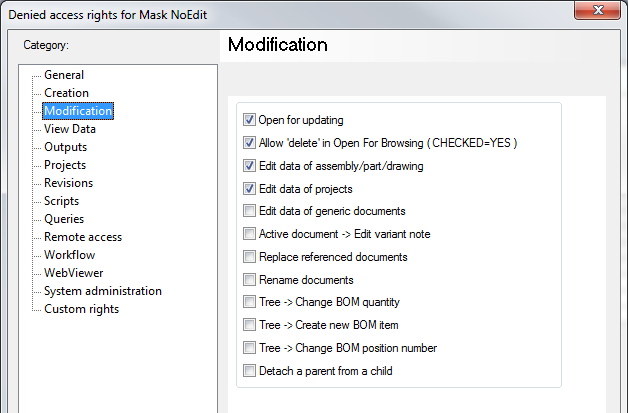
Set rights as in the picture above
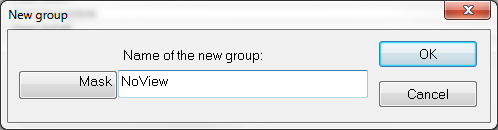
•Create another Mask named NoViewData
•A dialog will be shown asking for Denied access rights for Mask NoViewData
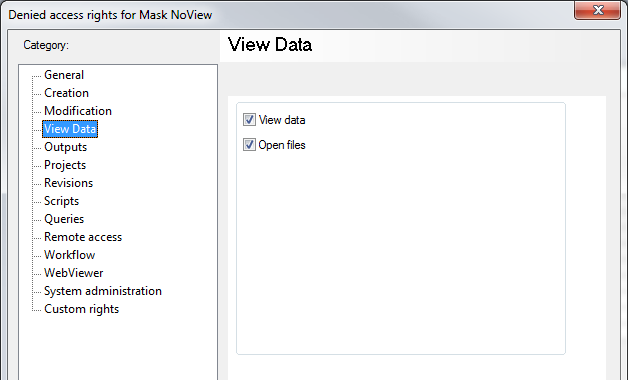
Set its rights as above
•Create a new group of users called MyGroup. Do not set any particular denial.
•Now create an user with name John and profile DBWorks Trainee.
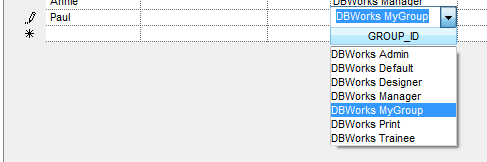
Then create another user named Paul and assign to it the custom user profile DBWorks MyGroup.
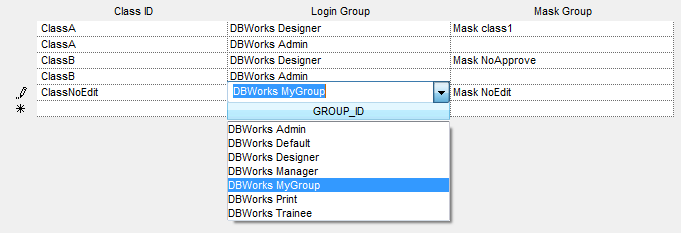
•Go to Classes section of DBWARM manager and enter a new ClassID (ClassNoViesData), assign to it that the group DBWorks Trainee has applied the Mask NoViewData.
Then repeat the step with another class named ClassNoEdit that assigns to the group DBWorks MyGroup the mask NoEdit.
•Now close all and open DBCustomizer.
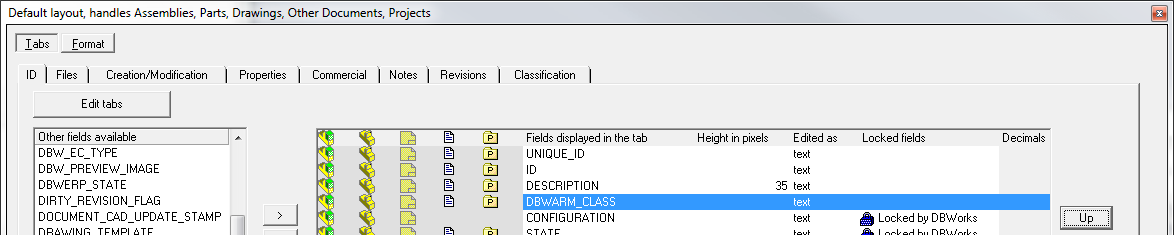
Look in the tabs of the data form and make sure the field DBWARM_CLASS is present somewhere.
If it is not present, add it where you prefer.
•After that, close the DBCustomizer and open DBWorks, log as administrator and make sure the options are correctly set:
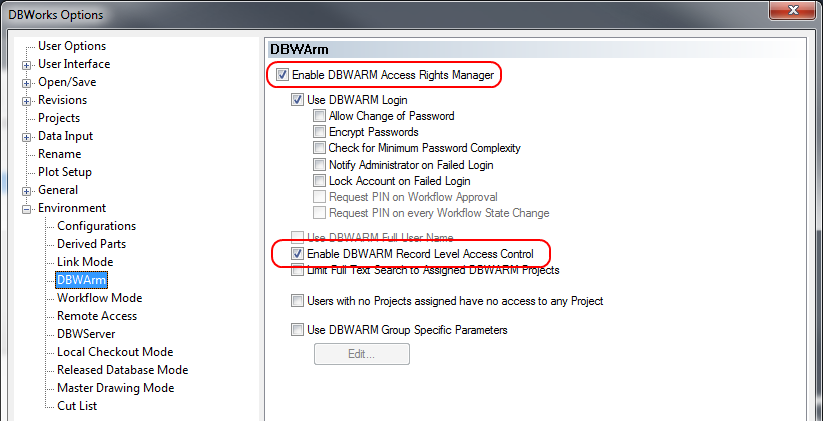
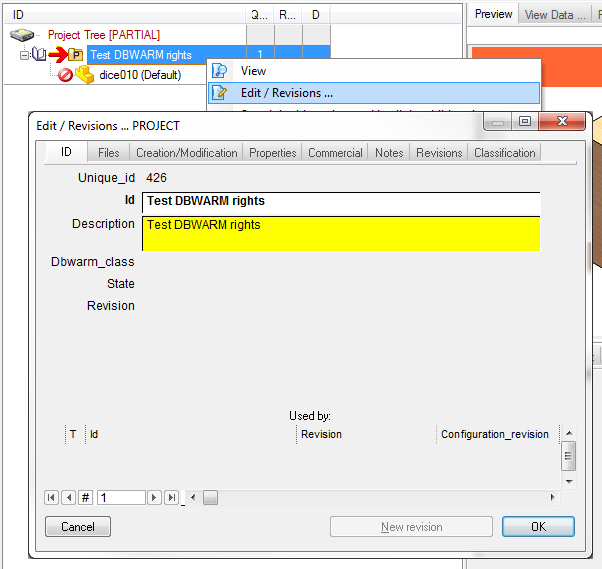
•Now take a look to the usual RMB menu on a document,
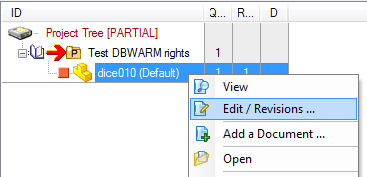
then choose Edit/Revisions ...
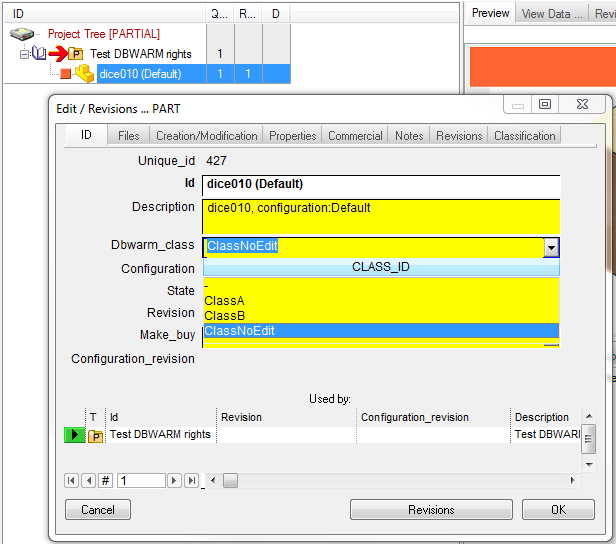
You'll note that the field DBWARM_CLASS is present
Set the class ClassNoEdit for this document
•Now exit from DBWorks and re-login as Paul that you'll remember is a DBWorks MyGroup user, and on this kind of document (ClassNoEdit), has no edit rights.
•Now if you do RMB on the same document, you'll be notified you're not allowed to do such action since you belogs to a specific group:
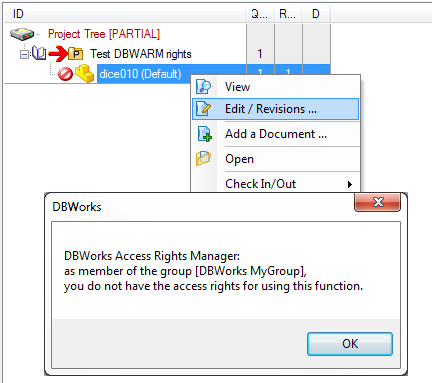
•If you click with RMB on another document (we had no classified before) the editing is still possibile.