Assembly/part changes notifications
>
Currently the mechanism is active only for documents undergoing a revision process
This mechanism notifies all the users that are working on assemblies whether one of the contained parts has been changed in the meanwhile by another user.
The quickest way to learn about this feature is a simple example:
0.suppose to have enabled the option
Revisions→Checkin→ Send notification to all user when doing a check-in/refresh
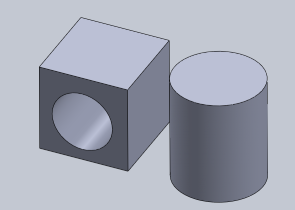
1.Suppose to have an assembly made of 2 components:
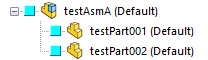
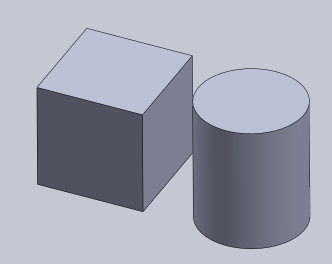
2.Assume the user Des1 is working on the assembly (open in his browser) and at the same time user Des2 (another user of the same team) is working on one of the parts contained in it
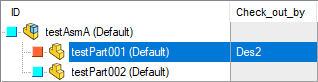
User Des2 performs a checkout on the part testpart001:
3.User Des2 makes a hole in the component
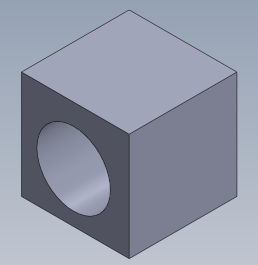
4.User Des2 can now perform a save+checkin  or a refresh
  to notify the other user (in this case Des1) that he's made a change.
5.According with the settings of the following Checkin sub-option, the user Des1 will be notified in different ways:
A. Notify silently any update of in-memory read-only documents
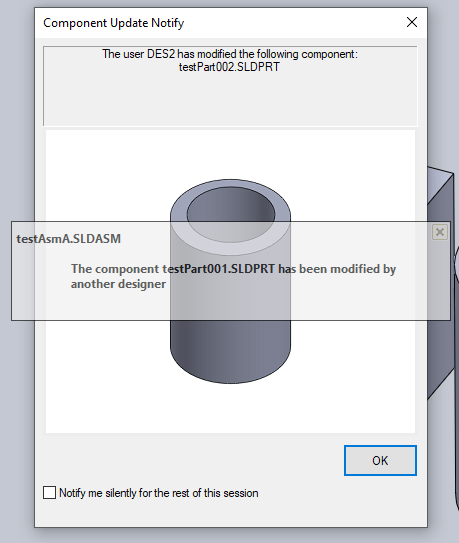
the user Des1 will be notified with a dialog that ask for the reload of the involved component
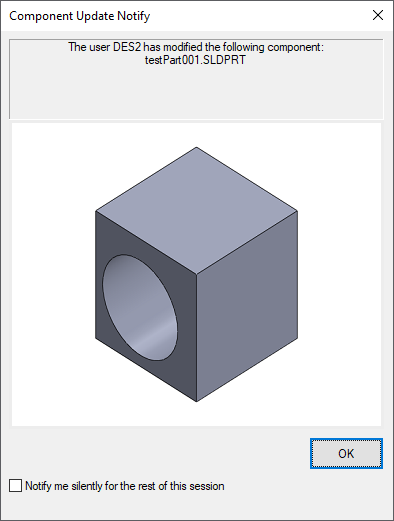
A further option is available in the Reload Notification dialog:
Notify me silently for the rest of this session
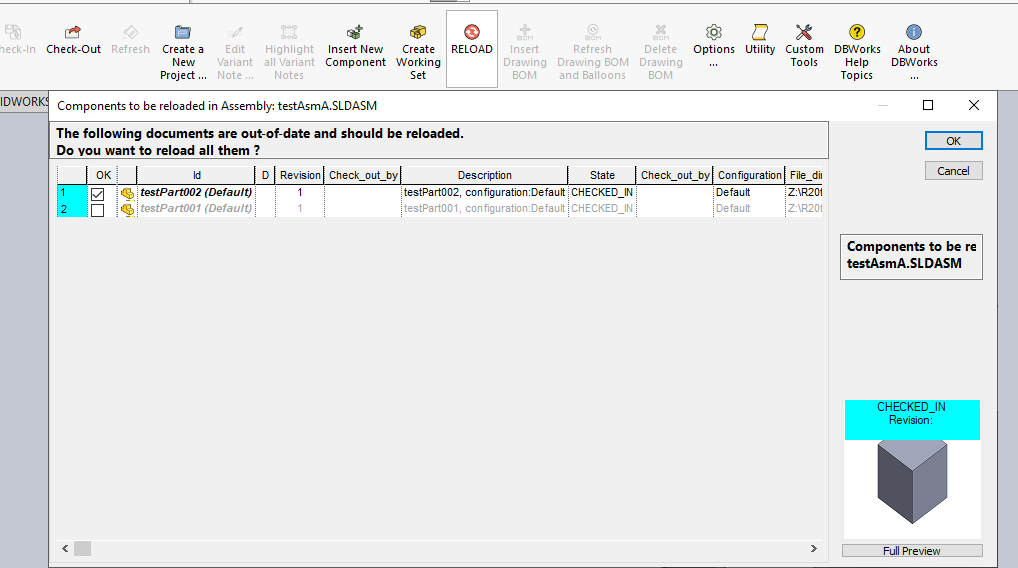
When the users clicks it is kept track of the missing reloads, enabling the reload button in the command/menu bar 
B.Notify silently any update of in-memory read-only documents
the user Des1 will be notified only with a system non-blocking popup (the reload will be automatic)
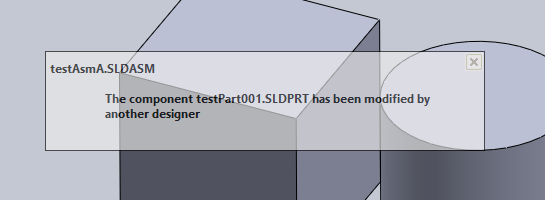
Then the reload button in the command/menu bar will become active and by clicking it the user will be asked to reload the changed component
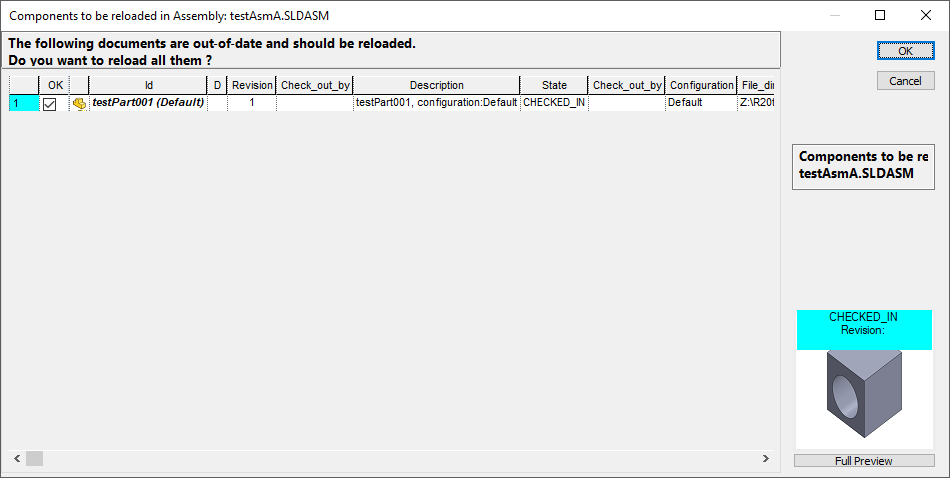
6.In the end the assembly is reloaded and now it shows the chenge in the component
The popup dialog is independent from the option settings and it's shown even if not silent notification is set:
Ability to select components to be reloaded
The Reload functionality allows the single components to be reloaded - the reload dialog defaults on reloading all the components.
Note: configurations are NOT managed in this dialog - only files