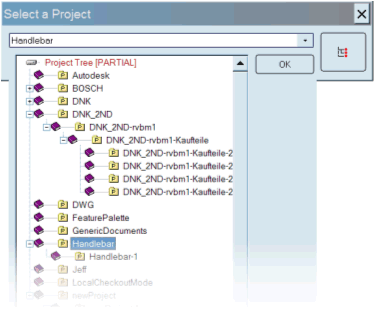
Projects selection
A button has been made available for Project Selection on the right side of the small project selection dialog.
The dialog is used for adding a project to the current selection of projects or for selecting the current project when starting the action from the Project Root:
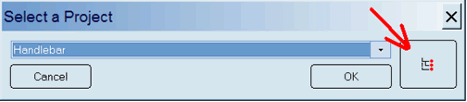
The same interface has been made available in the standard Sata Input form clicking on the “Current project” button:

and in the Project<=>Users Assignment Dialog clicking the button on the left:

and finally in the Project<=>Documents Assignment Dialog clicking the buttons on the right of the project IDs:

After clicking on the button the full Project Tree is displayed: