Revisions Schema Editor
It is possible to manage the sequence of revisions in a customized pattern.
 In the Shortcut bar, section Tools Setup, click Define Revision Schema.
It allows you to set the schema definition. You can either edit a simple scheme or use an advanced one that requires scripting
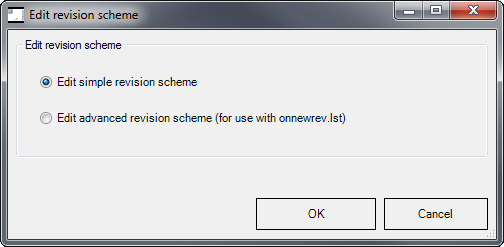
Edit simple revision schema
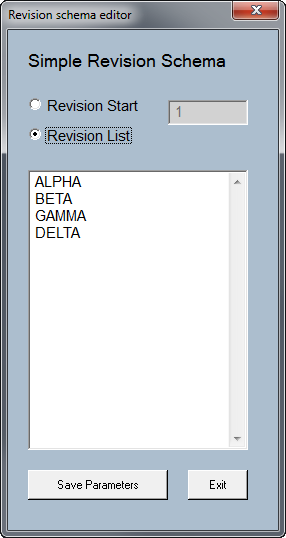
Revision Start
Sets starting alphanumerical value.
The revision process eventually increments this value at each new revision.
Revision List
Sets the revision schema values.
When the revision process reachs the last value, the following one is calculated on the last character incrementally.
Example
after the value DELTA, because of the automatic alphanumeric increment, the system suggests DELTB, then DELTC, ...
Edit advanced revision scheme (for use with OnNewRev.lst)
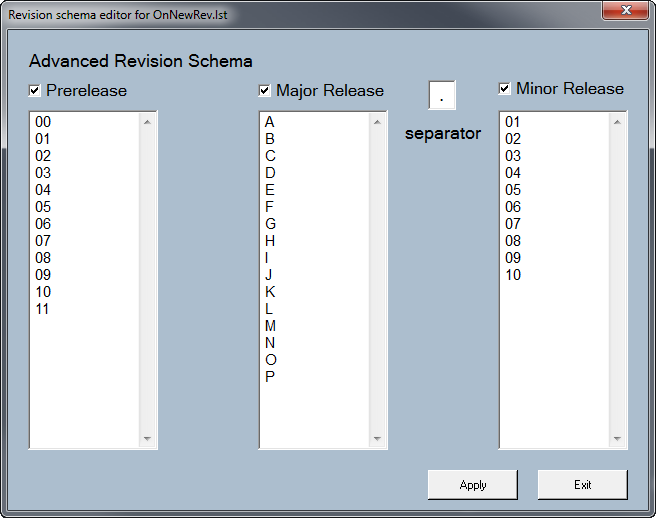
You can define the revision values to be used in the OnNewRev.LST script file.
Only listed values are supported.