Selection of Projects
You can create a selection of projects and use it to filter the query results.
To create a selection of projects, first select a project and click the button 'Create Selection'.
You can assign a name to selection and then start adding more projects.

You can assign a name to selection and then start adding more projects.
Click the button Add to selection to open a quick search dialog and select the projects to add to the selection.
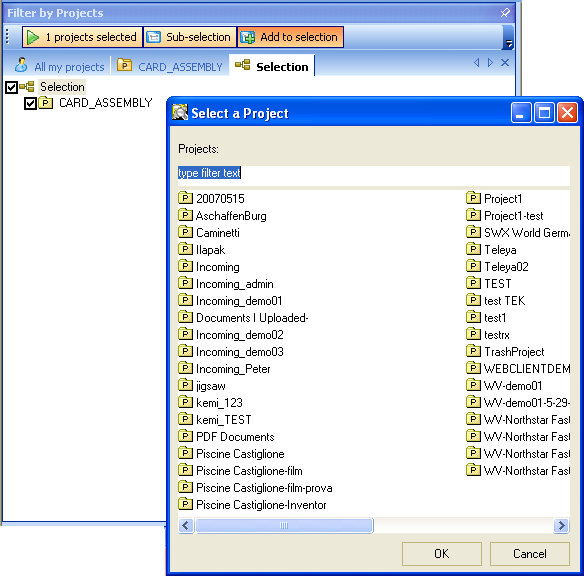
The selction is actively working as a filter only when the tab including the selection is visible.
You can create multiple selection that you can activate with one click.
The selections are maintained across the sessions for the same user.