Tasks Manager
The Tasks Manager should be installed on the Administrator's workstation only and allow the Administrator to view and cancel remote tasks started by the users.
The login displays the same options as the one of Web Client but will validate only users belonging to the DBWorks Admin group and will not open a session on the server.
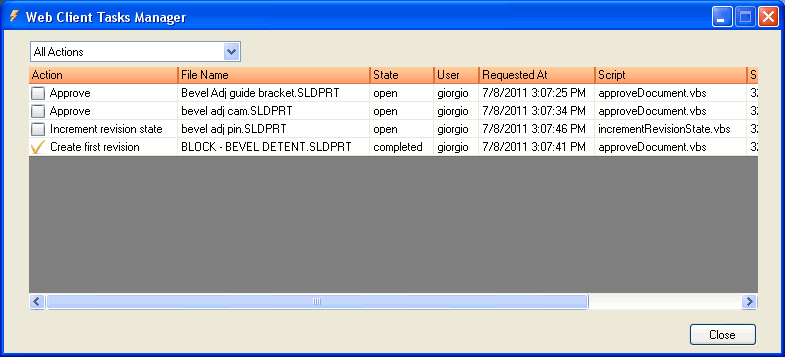
The tasks are displayed in a list, sorting them by state and putting on top always the tasks in execution, then the queued tasks and finally the completed or failed tasks.
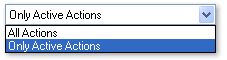
The drop down list above allows you to display only the open tasks, that would be anyway displayed on top of the list.
To cancel one or more open tasks, select the tasks in the list and hit the DEL key or right click the list and select 'Delete tasks'.

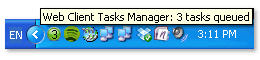
The icon in the tray allows you to keep an eye on the number of tasks currently queued also when the application is minimized: the icon displays the number of open tasks and changes of color as the queue grows. When the list contains 10 open tasks the icon turns to red warning you that your intervention may be required.