In manual rule creation, the rule is defined directly by the user by entering its content in a dedicated dialog box.
Starting from scratch, the steps are as follows:
a)Launch the application and select the Rules Page.
b)Click the Add Rule button. The Rule Editor dialog box is displayed.
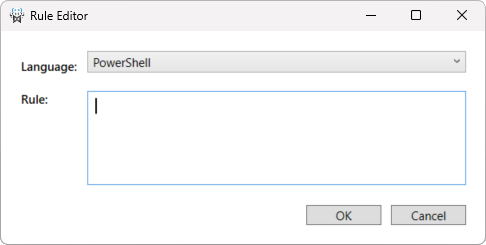
c)Select the type of Rule, PowerShell or Python.
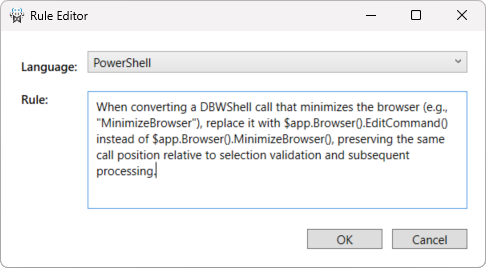
d)Enter the rule content in the editor.
Note:
There is no automatic validation of the rule content. The effectiveness and correctness of a rule depend entirely on the user’s expertise. Poorly defined, unnecessary, or redundant rules may negatively affect the conversion process and lead to incorrect results.
e)Click OK to add the rule to the Rules List.