AdminTools
MechworksPDM Admin Tools is a set of tools distributed together with the Client setup that allows to perform administrative activity on the product.
Installation
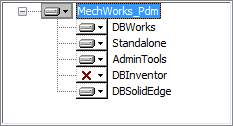
The feature AdminTools have to be selected in the list of available features, during the Client setup:
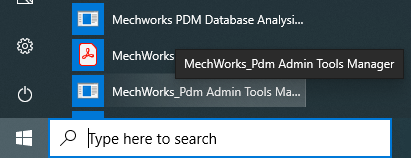
Once installed, it's available starting from Windows Start Menu:
First Login
On a brand new environment, where no users have been created yet (so just after the server or client+server installation) a special temporary login is provided to grant the administrator first usage of the tool.
Entering admin with no password allows the user to access the functionalities, then -as very first task- the user should create/import the users's list through the DBWARM application.
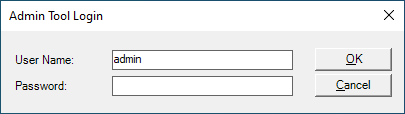
Please note as soon as a user is created in the DBWARM list of user, the temporary admin user with no password is not available anymore.
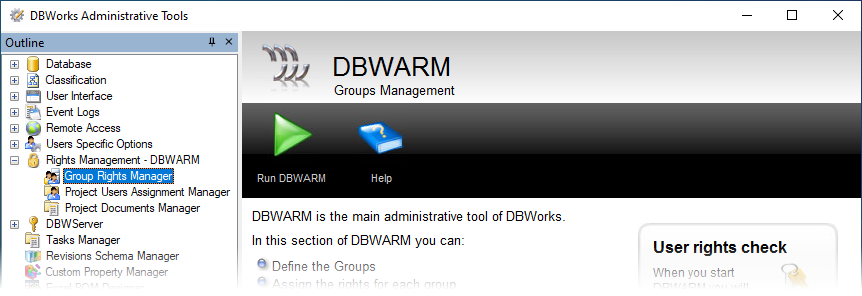
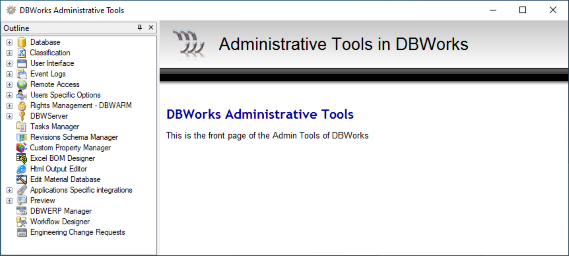
User Interface
On the left side are enlisted all the tools available; on the right side a brief description about each tool, more a play button to run the tool: