When duplicating an assembly to create a new design, the designer may duplicate components that are not modified to complete the new assembly design. These components should be reverted back to the original component.
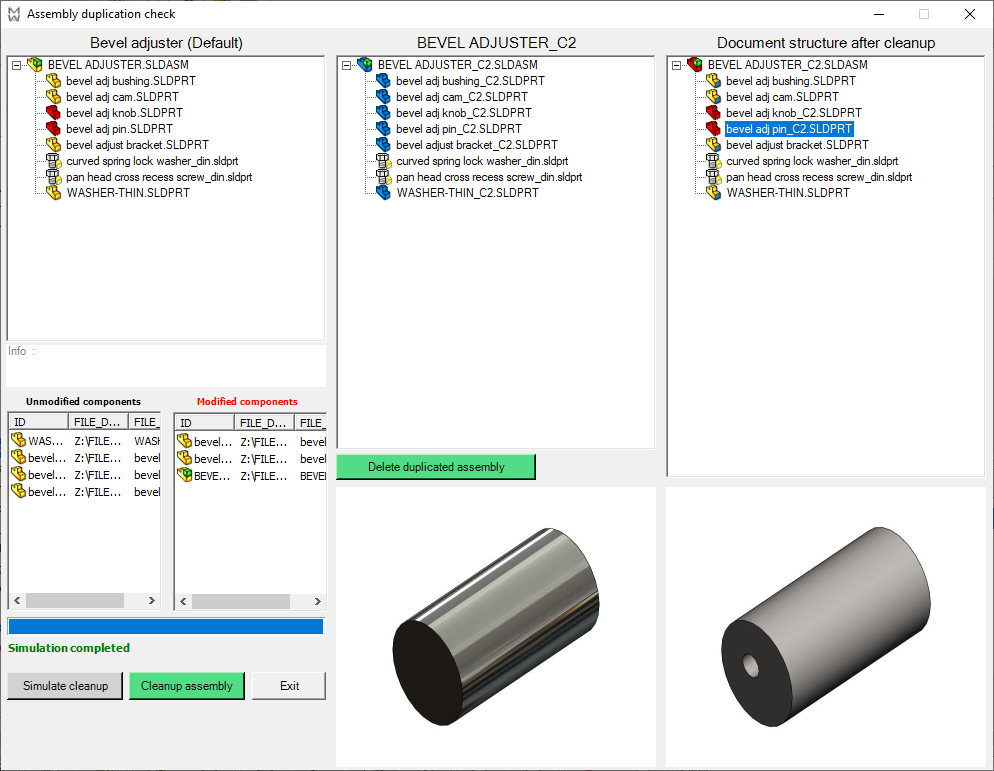
Starting from R26 release, the icons of the tree control are CAD-independent: 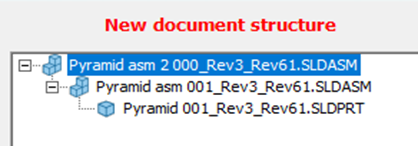
Functionality
The simulation function of the Assembly cleanup wizard will highlight (in red) changed components giving the designer a way to check the modifications made.
Any necessary assembly components will be added automatically.
The cleanup function of the Assembly Cleanup Wizard will revert back to the original component any unchanged components.