Backup as an SQL script
Description
You can make a backup copy of your data as an SQL file. All your data as saved in an executable SQL script as a list of commands. When you call the backup script file for execution, the commands will re-enter all the data into your database.
The advantage of this approach to backing up data is that it is technology independent: you can backup an Access database and restore the data into an SQL Server, or you can backup your SQL database onto your Access database in your laptop computer to bring it on a business trip as a reference.
The double backup
Each time you backup a database MechworksPDM creates two scripting files: a basic one and another containing field names. The reason for this double backup is that you could bring about changes in the database structure in the meanwhile, for instance by adding a custom field or restoring data in another database with a different structure, and in such case field names are necessary to restore the values in the correct columns.
The backup containing the field names is OriginalName_WITHFIELDNAMES.SQL where OriginalName is the name assigned to the backup file. Because of inserting field names it is also bigger in size.
Restoring
Since the backup file is a plain executable SQL script, if you want to re-enter data into your database, execute it. If you are sure that the database structure has not changed from the backup date, you can execute the plain SQL file; if, on the other hand, changes may have occurred in the database structure, use the version marked as _WITHFIELDNAMES.
Interface
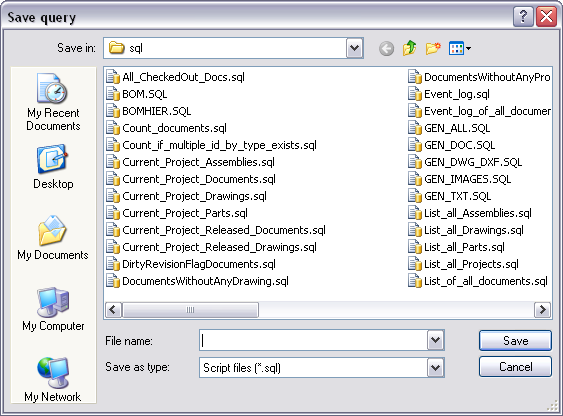
You are requested to indicate a valid sql scripting file in a standard save dialog: