Compare Models
 Users only
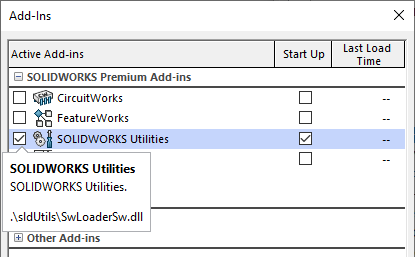
This command drives automatically the SolidWorks Utilities Add-In that must be installed before calling the function.
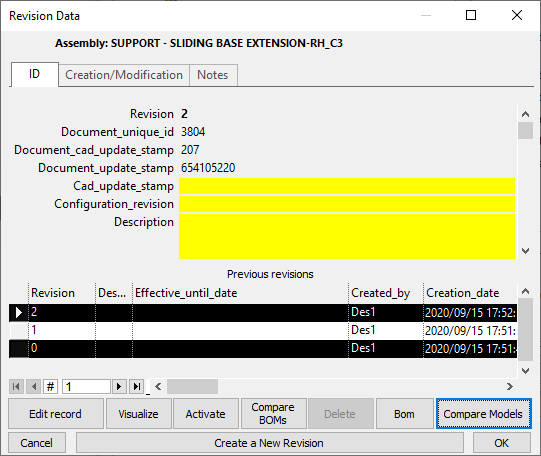
A button allows to geometrically compare the models of a Part/Assembly at different Revisions.
The button is disabled if the above addin is not properly loaded
DBWorks passes to the SolidWorks Utilities the unzipped models of the two revisions selected in the Revisions Data Input Form.
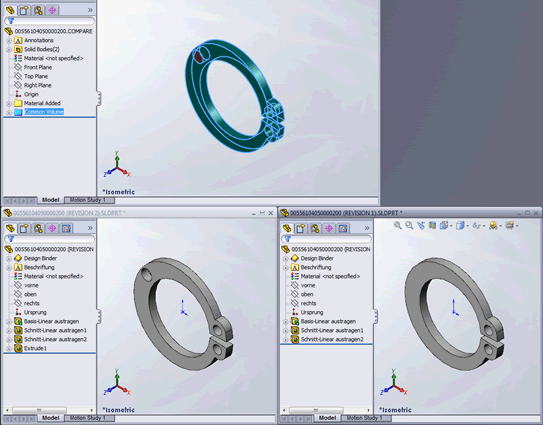
The compared models plus another model with highlighted differences are loaded in Solidworks.
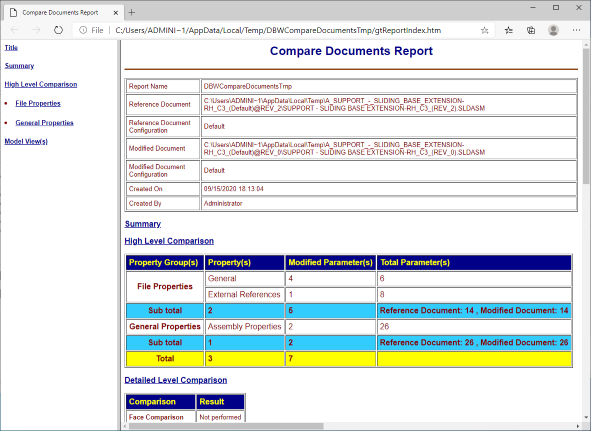
At the end of the process, if successful, the default web browser is opened to view a Report of the comparison between the models.