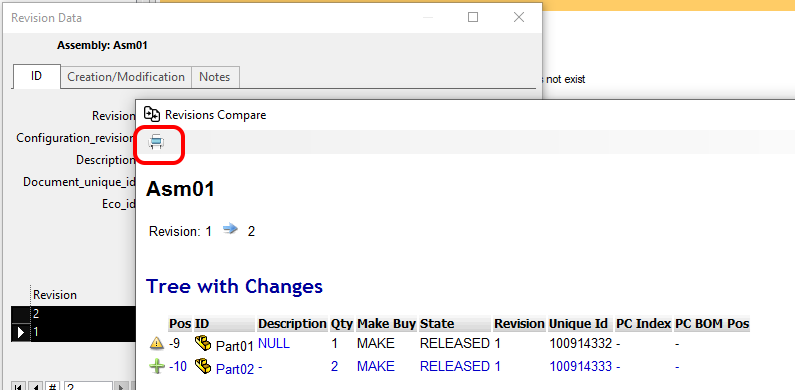
Comparison of assembly structures
MechworksPDM saves for each assembly at any revision approval a .TREE text file containing the assembly structure.
This procedure is to compare structures only (of assembly or derived parts).
Click here to see how to geometrically compare different models revisions.
You have two ways to obtain a revisions assembly comparison:
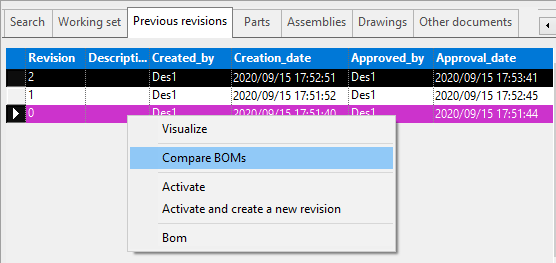
1.select in the Previous Revision grid of the TreePage two different revisions of the assembly and select RMB→Compare
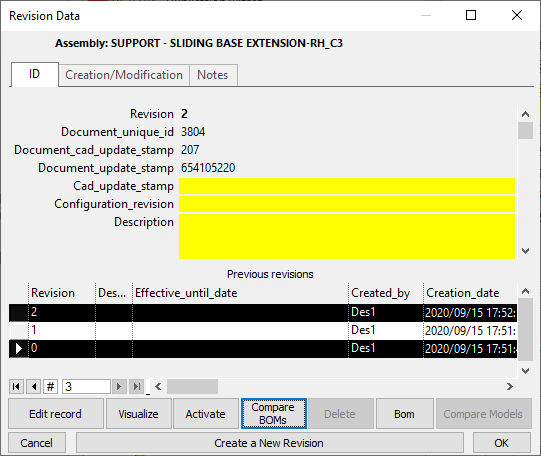
2.select in the REVISIONS dialog TWO different revisions of the assembly and click the button.
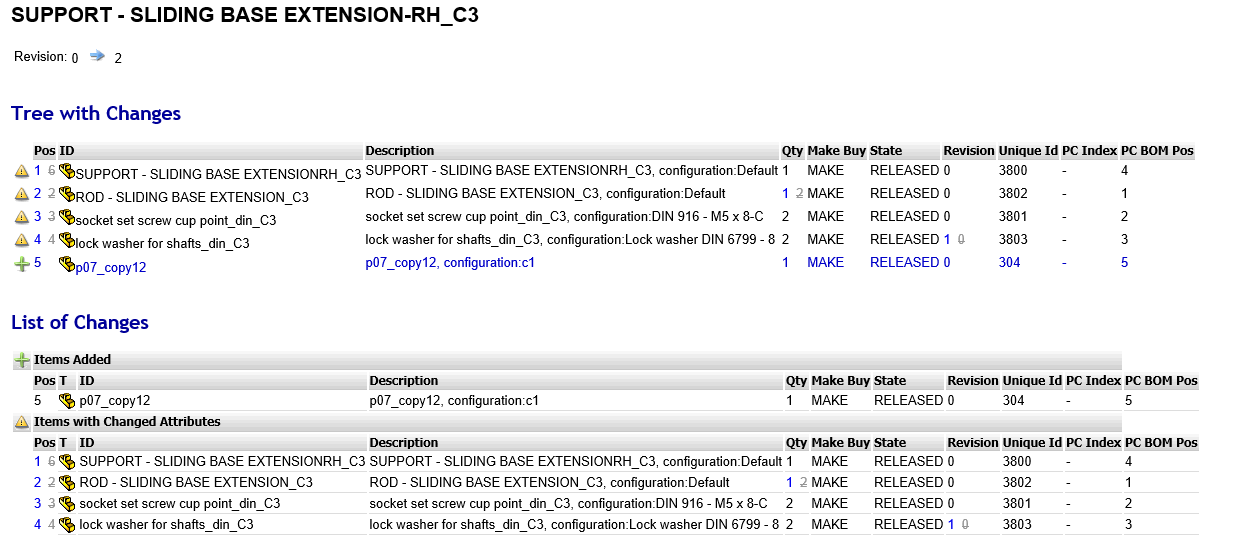
Results are shown in a HTML page (opened in the predefined HTML browser) in which are reported changes about components additions and deletions, quantity, revision and make buy state changes:
Print reports
It's availabe a button to generate pdfs where needed: