Configurations support in DBSolidEdge
Introduction
DBSE configurations are available only for Alternate Assemblies (FOA): each new Assembly Member will be saved in the database as a distinct record.
DBSE configurations are not available for parts (FOP) since SolidEdge creates different files for each FOP member.
Settings
Starting DBSE the first time with the option  Save configurations as distinct records checked (default value is CHECKED), a dialog is displayed to notify that configurations support becomes available:
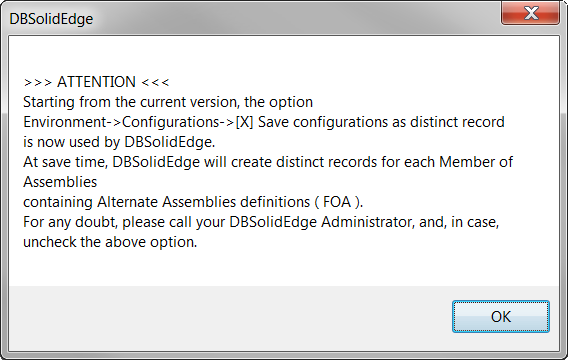
Related registry key: HKEY_CURRENT_USER\Software\MechWorks\DBSolidEdge\MechWorks-Tip\CfgAvailableInDBSEMsg
The Configuration options page default values are as followings:
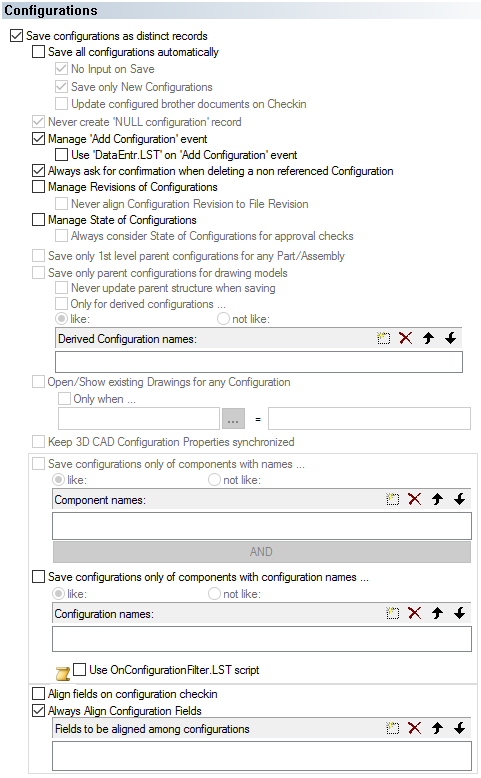
Due to Solid Edge API limitations:
•There is no way to be notified about configuration deletion (inconsistent datasets);
•The Options  Manage 'Add Configuration' event and Use 'DataEntr.LST' on 'Add Configuration' event are greyed.
The section save configuration only of components like names... has been disabled.
Alternate Assembly
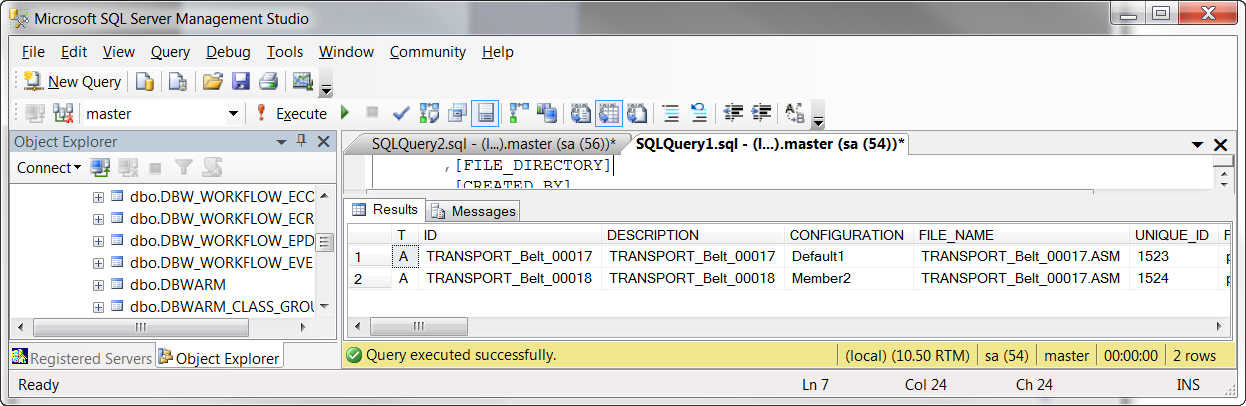
When working with Alternate Assembly and configurations, DBSE implements a mechanism to reuse the Master configuration record (created when saving a non-FOA assembly) to avoid records with old relation/information at database level.
The reuse of first saved record is not allowed if there is at least one configuration excluded from saving (see options→Configurations, Save configurations only of components with names... or Save configurations only of components with configuration names...).
In details:
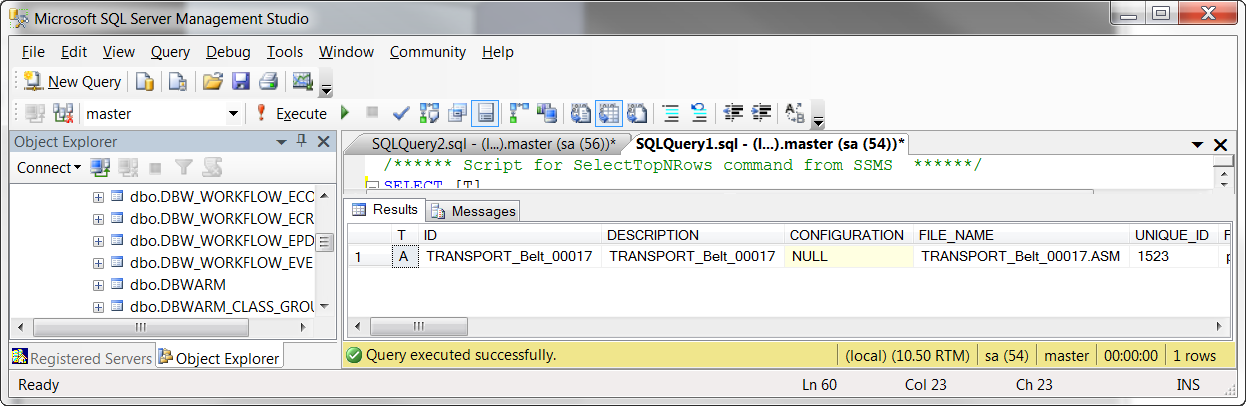
•start with an asm already saved in DBSE (here below the database record values):
•select Alternate Assemblies tab → New: write the name of the 2 new configuration members (Default1, Member2)
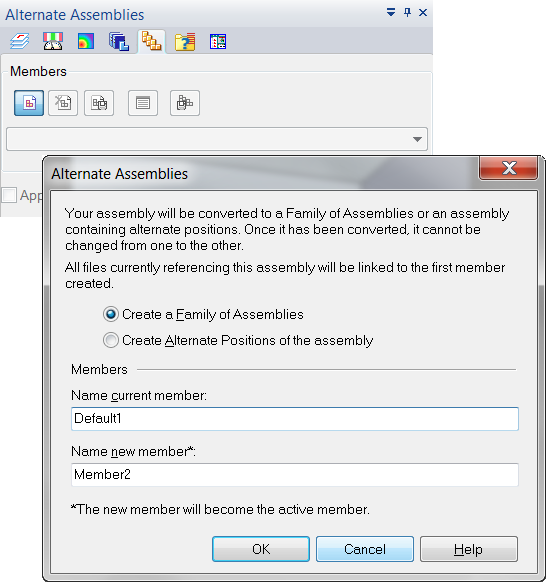
•press , DBSE starts processing the new configuration:
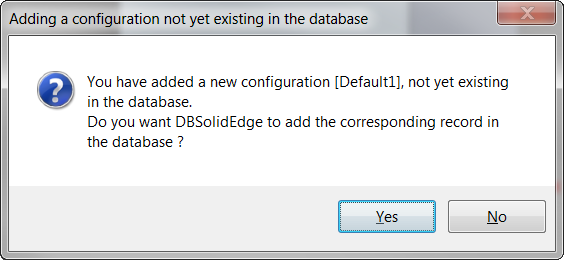
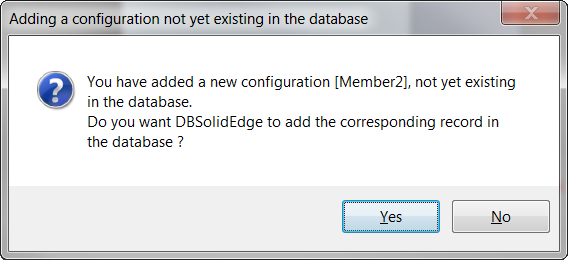
•click , at database level: the first saved (master) record is reused for configuration Default1, only a new record is created for configuration Member2.
FOP (Family of Parts)
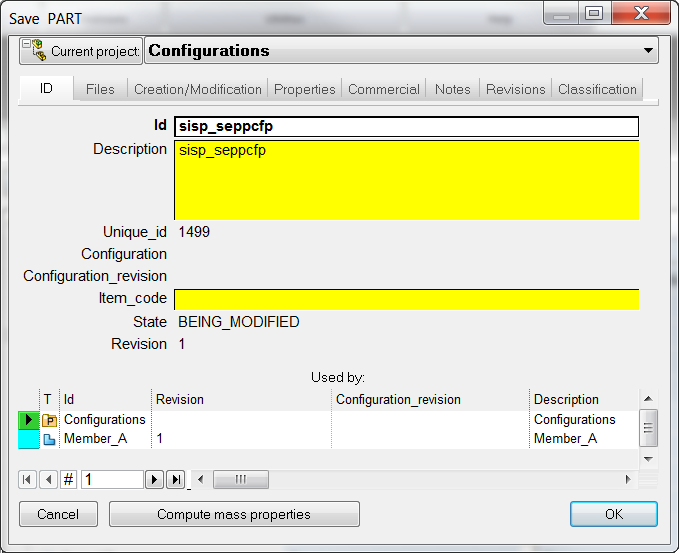
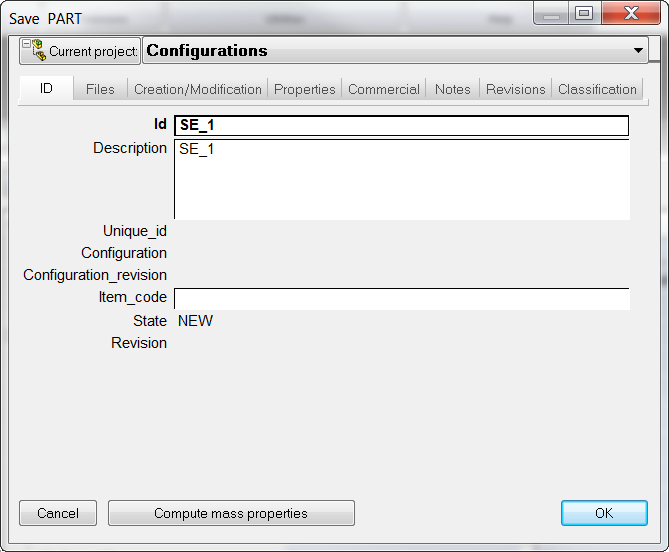
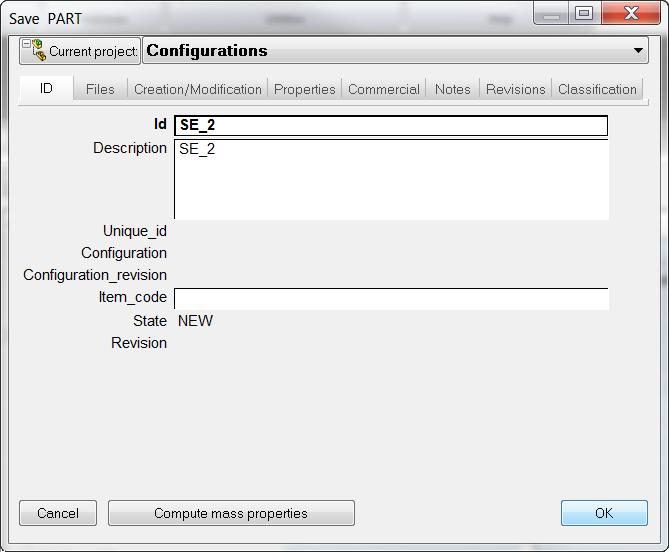
DBSE configuration concepts are not applicable to parts (FOP) since the "Populate" members functionality creates different files for each member. To provide a first level of FOP integration in DBSE, the "Populate" action is intercepted to allow member documents registration at database level with the definition of a specific PARENT_CHILD relation ('Member') between related files.
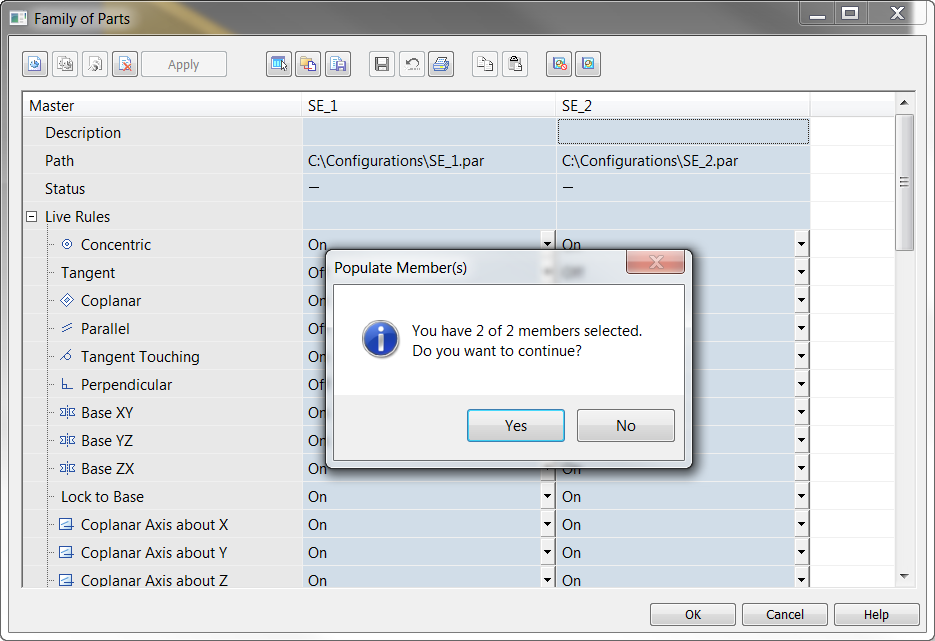
Since the "Populate" is a complex action, it generates save execution for the new member and also several save operations at main FOP document level.


There is no DBSE integration changing/deleting a FOP member since in SE they are managed as master FOP file changes.