Configurations grid in the Data Form
The Configurations grid is displayed in the lower part of the Data Form, beside the Used by grid
.
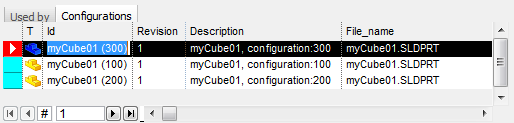
This grid contains the data about the other configurations (if existing) of the current document.
As the tab is activated, the currently edited configuration is highlighted as selected (see negative row in picture).
Starting from the record it's possible to perform a RMB and then select again Edit/Revision Data... so to manage another configuration record of the same model.
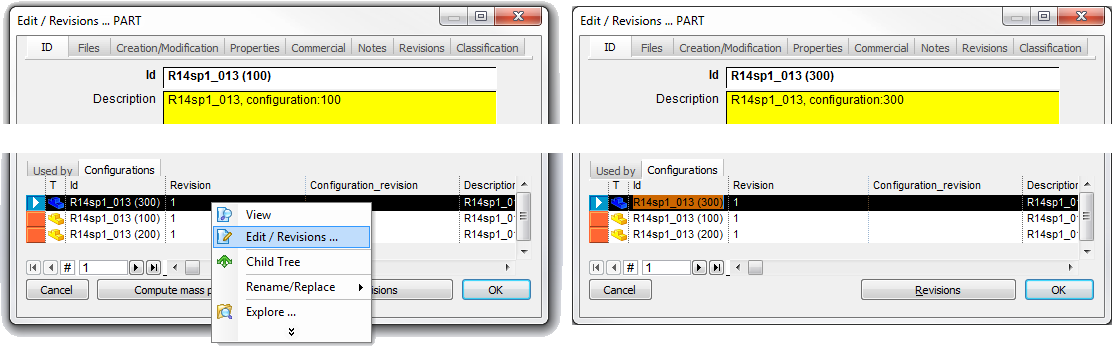
In the above pic, the first record edited is the one realated to config (100), then it's performed a RMB on the (300) in the configuration grid so that the dialog is changed to the selected one.
The grid is not editable.