The Drawing Creation Wizard allows you to create the drawings automatically for an assembly and all the contained sub-assemblies and parts.
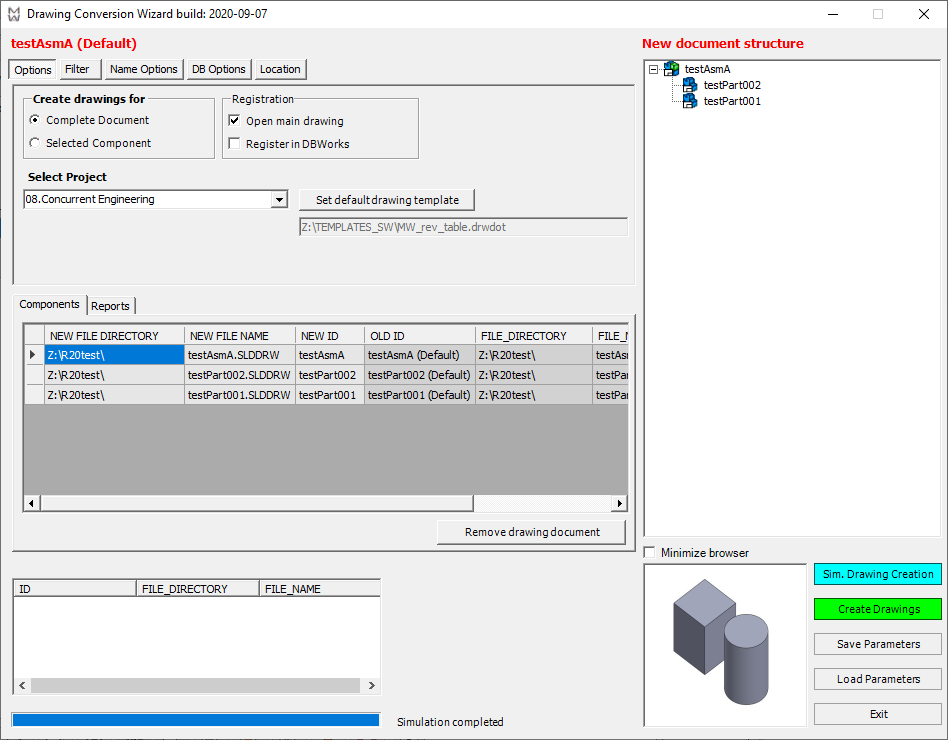
The interface has been kept consistent with the Duplication Wizard to avoid re-learning similar tools.
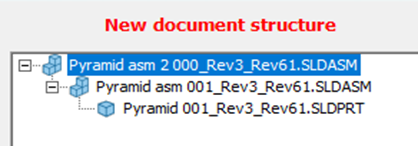
Starting from R26 release, the icons of the tree control are CAD-independent:
Features
•indicate for each document what drawing template to use
•select the parts/assemblies either explicitely from a tree or implicitely applying filters on any field value
•create the drawing in the same directories of the documents or indicate an explicit location
•copy the entire directory structure to recreate the natural one elsewhere
•build the new drawing file names using prefixes and postfixes to be applied to the file name or to the ID of the contained document
•build the new ID of each drawing using prefixes and postfixes to be applied to the ID of the contained document
•select which field values will be copied from the contained document to the new drawing
•simulate and preview the creation process before starting it
•save/load parameters