 Edit variant note
This command allows you to edit a variant note in a drawing after selecting it.
It is available both in popup menus and in the toolbar as a button .
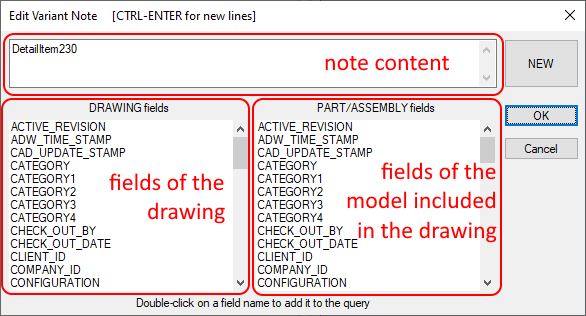
For further information on editing Notes, please refer to the section Variant Notes.