 Highlight all variant notes
This command is available both in the popup menu and in the toolbar as a button .
In Solidworks this command highlights (in blue) all the variant notes in the template of the drawing:
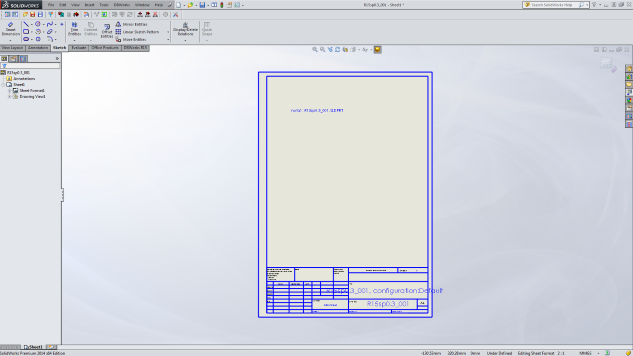
Please note that other notes placed outside the template won't be highlighted.
In Solid Edge this command highlights (in fuchsia) all the variant notes in the current sheet
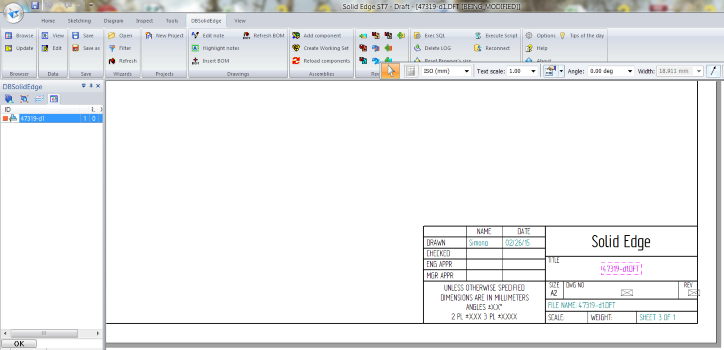
For further information on working with Variant Notes, please refer to the section Variant Notes.