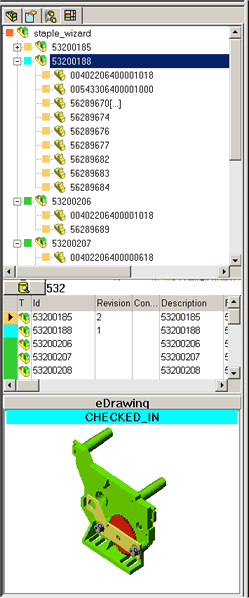
Search in the Feature Manager
Searching is available directly from the Feature Manager window
|
The search interface allows you to find components and perform any operation on them without opening the MechworksPDM Browser. If you need to add a standard part to an assembly, you can look for it typing any of its properties, find it and add it without having to leave the current interface.
|