 Insert new component
To insert the new component, click the button in the toolbar.
It is the emulation of the CAD Insert, Component, New... function
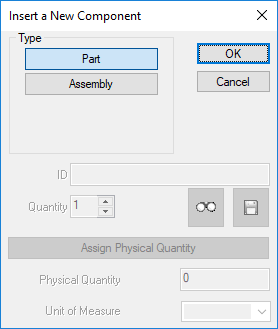
Once you have selected if it's a part or an assembly, if the script DataEntr.LST is enabled at save, MechworksPDM calls it to let you gather information about the new component and determine automatically most field values.
The lower part of the dialog is always grey as the call to the Save Wizard comes automatically if enabled.