The file OpenDoc.LST / advanced open features
You can open a document using MechworksPDM advanced features for filtering and finding your document.
The feature can be activated clicking the  button in the 3D CAD toolbar. When you click MechworksPDM yields control to a special script defined in the file Opendoc.LST, which in its turn calls external software components to perform some selecting or filtering actions of some sort.
It is important to note that the content of this file can be modified to define custom behaviours that you may share across your company.
The standard behaviour defined by MechworksPDM for this button is the activation of the OpenWizard that enables you to quickly recall files saved using the SaveWizard.
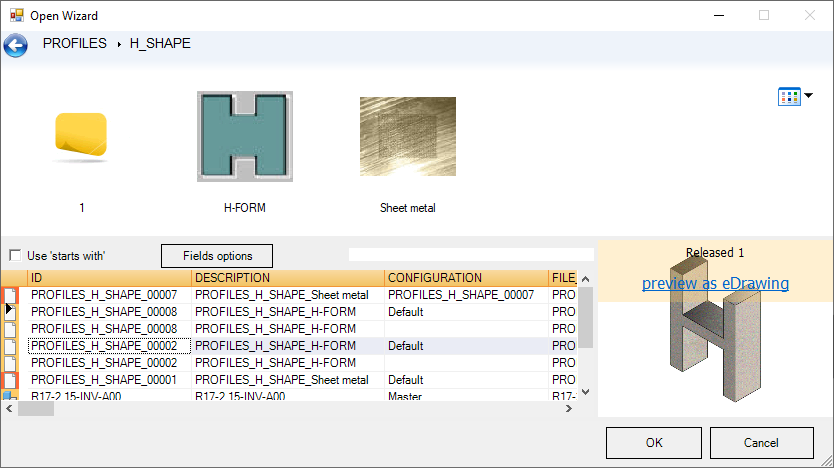
This option may be very interesting if you decide to create a pattern for all your saved files, but would not be of much use with files saved using the most common and general procedure.