How to remedy a previous revision error
If you find out that a released version of a previous revision contains an error, you may like to restart from the revision before the faulty one and continue the lifecycle of the product from there.
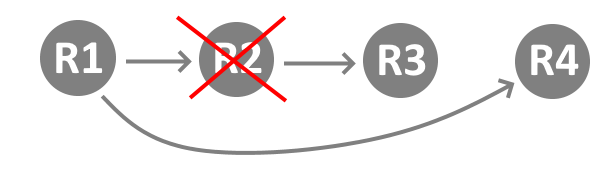
The case applies also if you approved the revision of a product that somehow happened not to be successful and you mean to go back to its previous revision to move in another direction.
MechworksPDM allows you to go back to where you want to re-start from and actually continue the product development from there so as to cut out the dead branch.
Step-by-step guide to restart the lifecycle of a product from any previous revision version
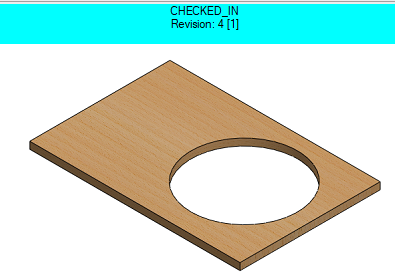
Let's assume you had a part with a hole:
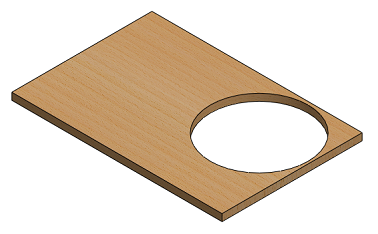
Revision #2 approved
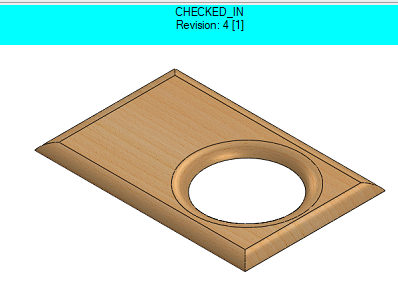
Let's assume you just approved the revision #3 after having applied a fillet:
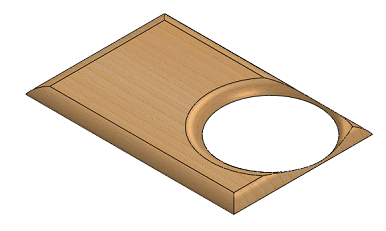
Revision #3 approved
Unfortunately you verify that the cirlce hole is too close to the model edge and this really ruins the part, so you wish you could go back to revision #1 and restart from that point so to create revision #4.
You're not likely to make such a bad mistake, that's just for the sake of evidence.
Now what you do is exactly go back to revision #1 and restart your development from there.
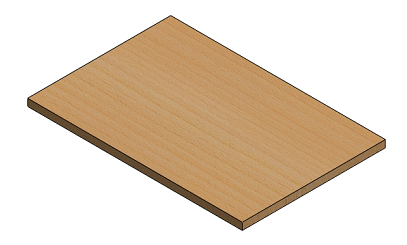
Revision #1, is before setting the hole
Going back to revision #1 with MechworksPDM means that you select the part, open the Edit/Revisions dialog and re-activate revision #1 as your current revision:
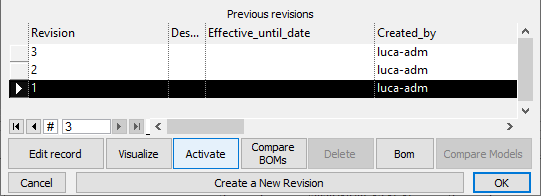
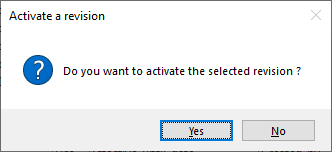
You are asked for a confirmation and you accept:
Now, as you can see from the Preview window on the right, you're back to revision 1: the hole is not there anymore and you can start working on a new revision.
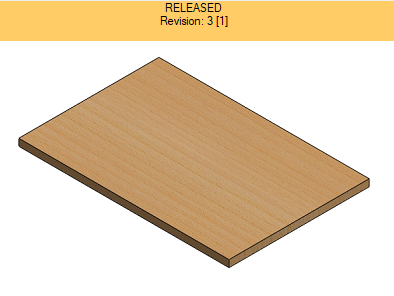
3 [1] means revision 1 is active but the latest approved revision is 3
Revision 2 and revision 3 are clearly a dead branch in your development tree, but you don't overwrite them as every released version must remain as a reference, so if you want to restart your development you start working on revision 4.
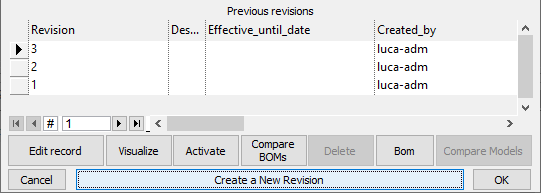
As a default value MechworksPDM indicates revision 4
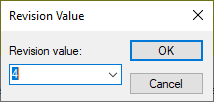
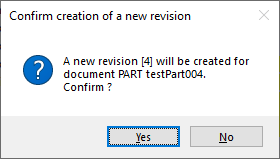
You are asked to confirm that you start working on revision 4: you accept.
MechworksPDM exposes in the Preview window the revision1 as a starting point for further development towards revision 4.
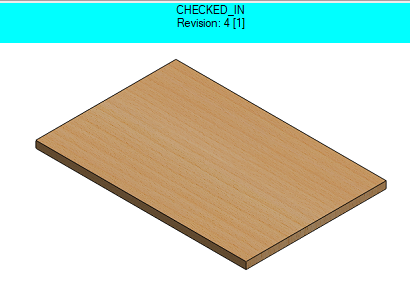
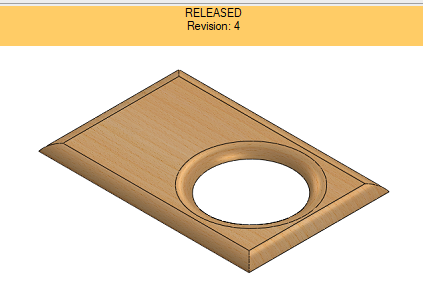
You can re-start your development checking in and out the part until you think the product is ready for revision 4.