 Replace columns values
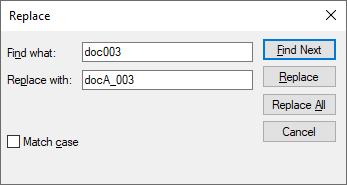
After having selected a grid, by clicking this button it is shown a dialog box that allows you to change the value of a column; you can use common replacing file options.
This command is available only in Open for Updating browser mode
This command cannot be undone
Due to a limitation of the 3rd party component used for this functionality, even if a single column is selected, the replacement will be performed through all the values of the grid matching the criteria.
Example
In this grid the only Description column has been selected but the replacement has been performed on every occurrence of the string:

We expect the limitation will be fixed in future 3rd party component releases.