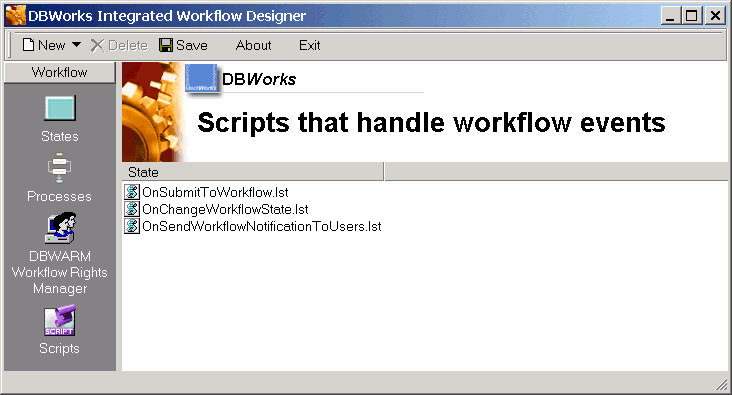
Scripts view in the Workflow Designer
This view displays the scripts that handle workflow events.
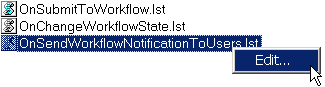
Scripts edit
To edit a script, double-click it or right click and select Edit. You need to select an application that handles lst files or the Designer will let you select an application as Windows would do.