DBWARM Workflow Rights Manager in the Workflow Designer
This view displays the groups and users available in DBWARM. From here you can manage their workflow rights.
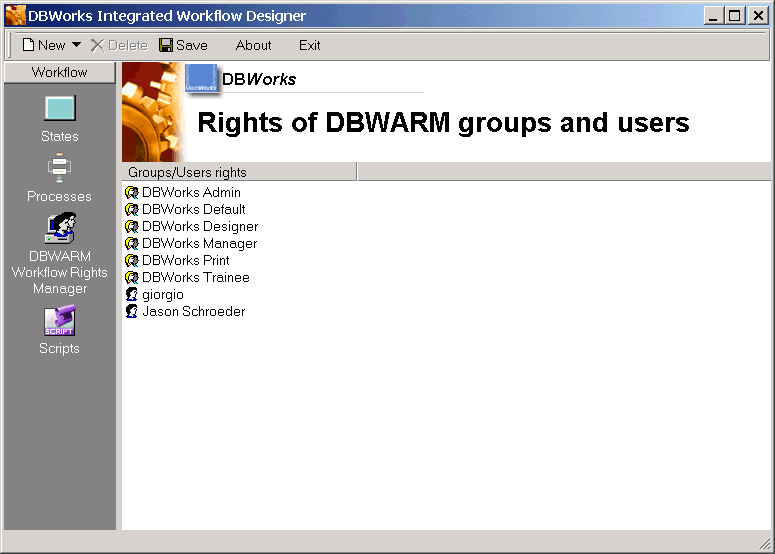
The list displays all the groups in alphabetic order, then the users. To manage the rights of a user or of a group, double-click it or right click and in the popup menu select properties.
Note that the rights can also be managed from a state point-of-view starting from the states view or from any process and right-clicking a state, then selecting properties.
Rights Management
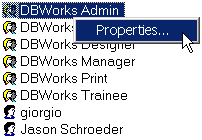
To manage the rights of a user or of a group, double-click it or right click and select properties.
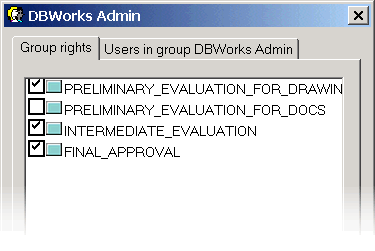
In the dialog, tick the states for which the user or the group must be given rights. If you assign the rights to a group/user on a state, all actions available from the state will be enabled for the group/user in every process that contains the state.
Users/Groups relations
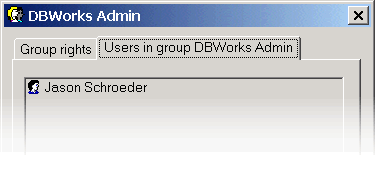
The second tab displays the users belonging to the group or the groups to which the user belongs to. This window is not interactive and is displayed as a reference that could be handy before making decisions.