Rename a jump in the Workflow
To rename a jump, double click it in a process or right click it and in the contextual menu select properties.
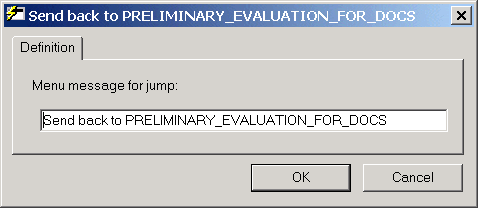
After entering the new jump name, click OK.
|
<< Click to Display Table of Contents >> Navigation: Advanced Features > Integrated Workflow Module > The Workflow Designer > Processes > Editing processes > Rename a jump in the Workflow |
To rename a jump, double click it in a process or right click it and in the contextual menu select properties.
After entering the new jump name, click OK.