The Workflow Integrated Module Designer
The Workflow Designer is a graphic tool that can be used to Administer the workflow processes and the associated User Rights.
How to start the Designer
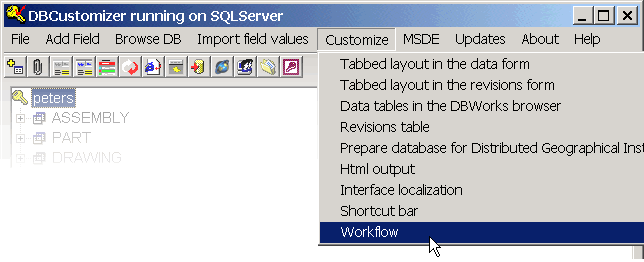
The Designer can be opened from DBCustomizer, using the menu Customize, Workflow

What's this for?
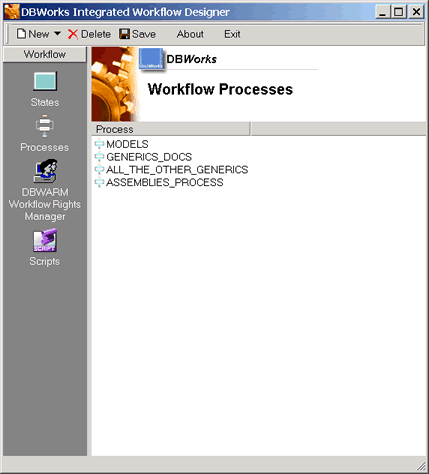
Move the mouse over the picture below to know more on how the interface interacts with you while you define the workflow.
Where available, click to go to a detailed description of the interface element.
How do I...
The tasks you can manage with this graphic tool are:
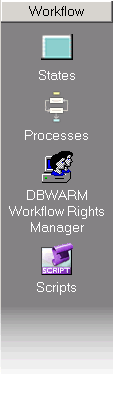
Define the states in the workflow
Define the processes through which documents must undergo before being approved. Processes are a sequence of predefined states
Manage the workflow rights for users previously declared in DBWARM User Rights Manager
Call script editors to handle workflow events, such as submittal of a document to the workflow, approval or automatic notifications.