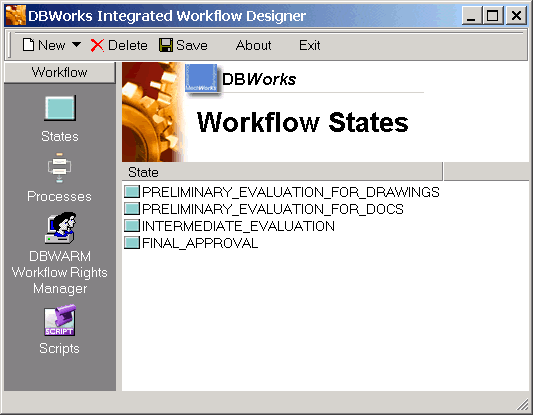
States view in the Workflow Designer
This view displays all the states in the workflow, out of the context of the processes.
The states are used in workflow processes as steps through which every document must pass in order to be approved. A state can belong to many processes, but the state properties, including user rights management are state-dependent and not process-dependent.