Create a new State in the Workflow Designer
You can create a new state clicking the New button while you're editing states or clicking New State... entry from the list dropped down from the same button.
When you define a new state you have to define a name and assign the rights on that state
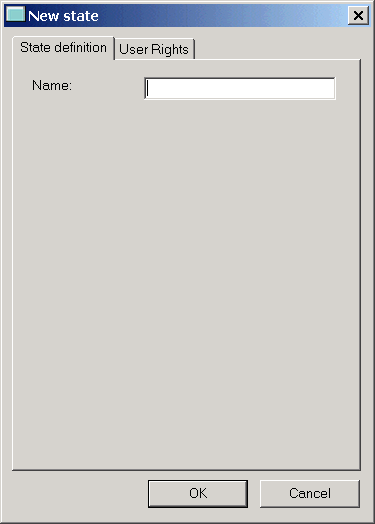
Assign a name
|
The name must be assigned and cannot contain spaces or characters that couldn't be used for a file name. If any of these characters is found, an alert is displayed and the name must be changed. Spaces are changed into underscores. |
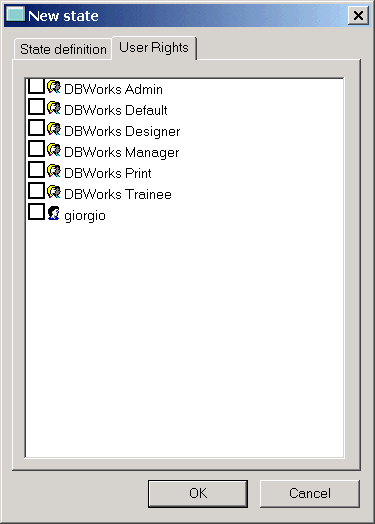
Set the Users Rights
|
To assign the rights, tick the groups and users that should be granted the rights on this state. Mind that the rights will be the same across the processes. Enabling a user on a state means enabling him/her to perform every available change of state available from the state, among which certainly approve or reject. |