Delete a State in the Workflow Designer
To delete a state , right-click it and select delete:
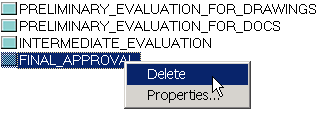
or select it in the states view and click the delete button in the toolbar

If the state is contained in at least one process an error message is displayed:
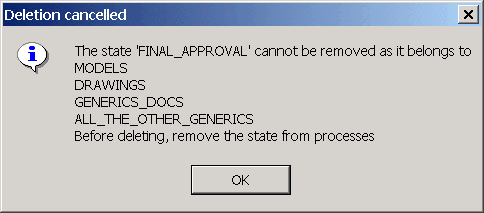
State deletion cannot be undone, but becomes effective only when you save.