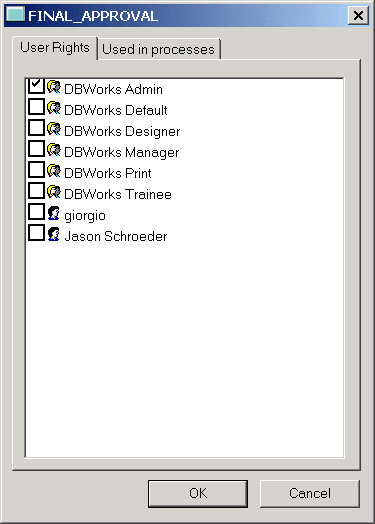
User rights for a given state
How to get here
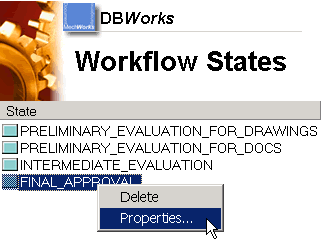
This view is available when you add a new state or if you click properties in the menu of a state:
Assign the rights
To assign the rights, tick the groups and users that should be granted the rights on this state.
Mind that the rights will be the same across the processes.
Enabling a user on a state means enabling him/her to perform every jump available from the state, such as approve or reject.