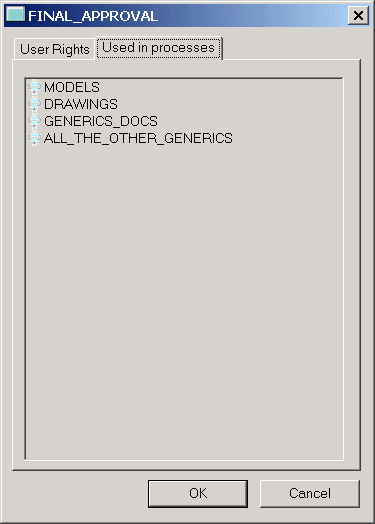
Where used for a given state
How to get here
This view is available if you click properties in the menu of a state, then in the dialog select the second tab:
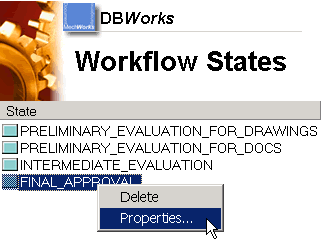
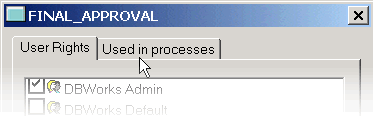
See where a states is being used
This view is not interactive: you can only see in what processes this state is being used.
The view can be useful in some cases:
•if you want to delete a state, you have to remove it from all the processes first
•before you grant a person the right to act on one state, you may want to see in what processes the person will be able to make decisions