Remove a jump from a workflow process
To remove a jump from a workflow process, right click it, then select in the popup menu Delete Jump.

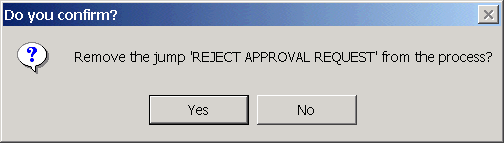
After a confirmation dialog, the jump is removed from the process.
Note also that until you save to the parameter file, the changes are not final, so if you close the Designer without saving, the jump at all effects is not removed from the process.