 Sorting lists
There are two ways to sort a grid:
Sort using the grid headers
Double click the header of the field to sort the grid by that field.
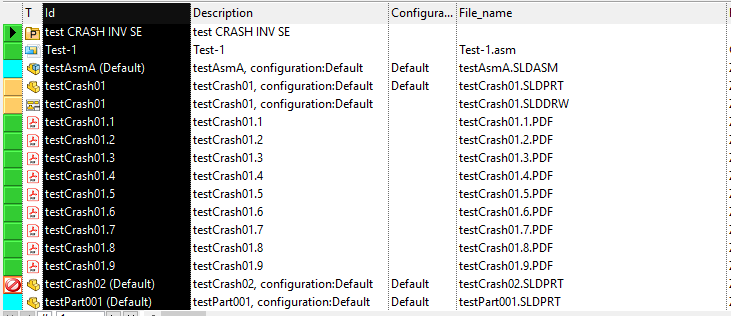
The first time you double-click the header the order is ascending, then alternatively descending, ascending, descending ans so on.
Sort using the sort button in the buttons bar below
To sort a grid, click an internal cell
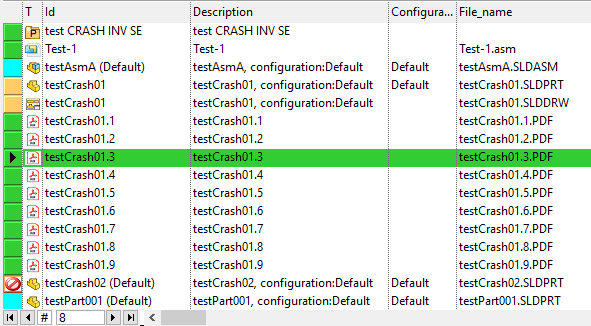
then click the sort button
To sort the grid in a descendant way press Shift key while clicking the button.