Navigating the Composed Of/Used By windows in the Tree Page
In the Tree Page MechworksPDM provides a way to browse the hierarchies which is different from the one provided in the Documents Page, for reasons of space.
To understand how the navigation works, let's consider the following example:
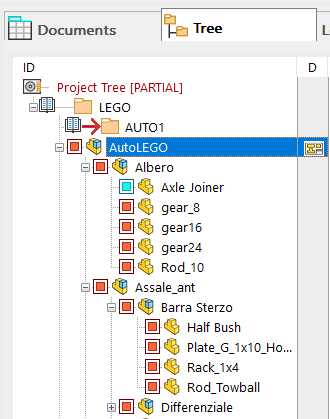
The example will show a top down navigation in the Composed Of window. The same principle applies also to the Used By window in a down top browsing.
In the Tree Page we select the toplevel assembly and make the Composed Of tab active and visible on the right:
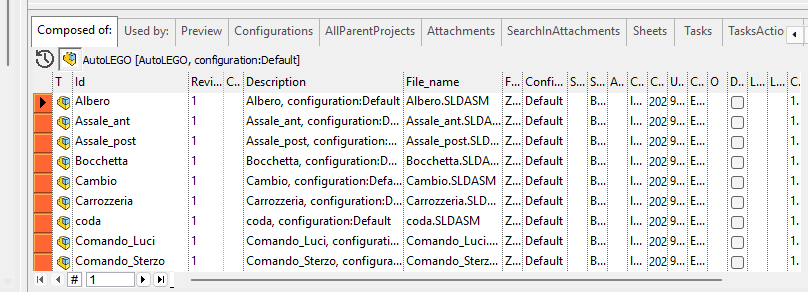
Now to browse one step further in one of the components, select it and click the above tab Composed Of once more. The content of the window displays the children of the component that was selected:
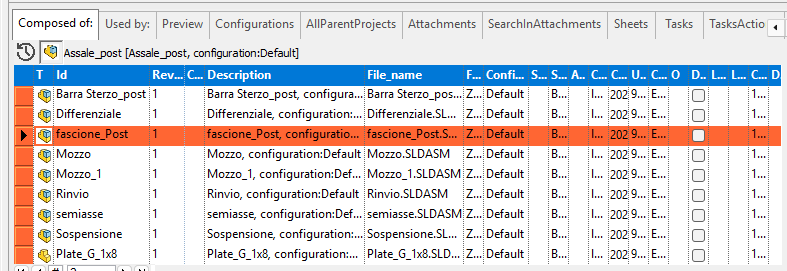
Every time you click the tab while it's visible, you navigate one step further.