Copy a record to the clipboard
>
Copy a record of the view data form mask in the clipboard, so as to be able to paste the content in any Office application.
The text is copied in UNICODE format under the Windows NT/2000/XP professional platforms.
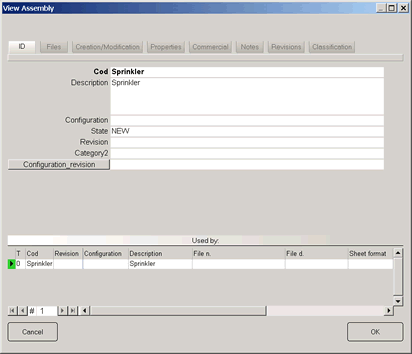
To copy the text, open the data input form with "View Record ...", then press the Ctrl + C keys. The text is copied tab-delimited and it is compatible with all the MS Office applications.
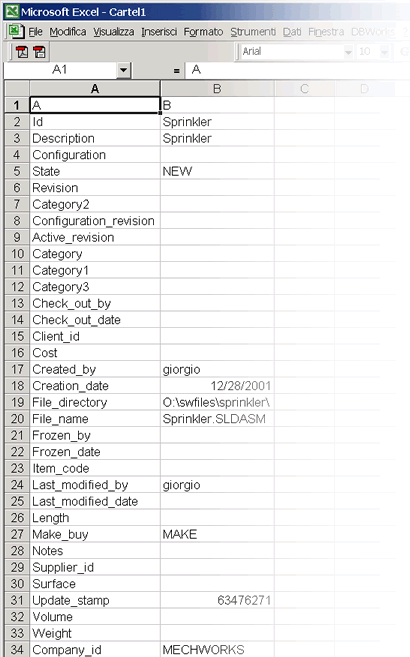
There's no limitation on the number of the records that can be copied in the clipboard through this action