Insert a state in the process
You can insert a state in a process, provided the state exists and is not already in the process.
Let's see an example of the insertion of a state:
first, push the button insert state.
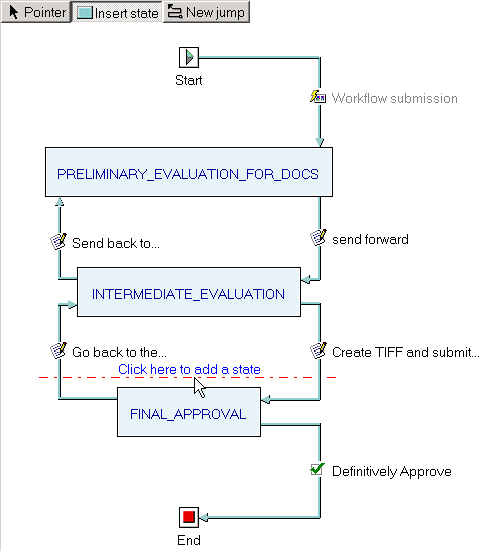
As soon as the button is pushed, a red horizontal line appears just above the first state. This line follows the mouse movements and indicates where the state is being inserted at the click of the mouse.
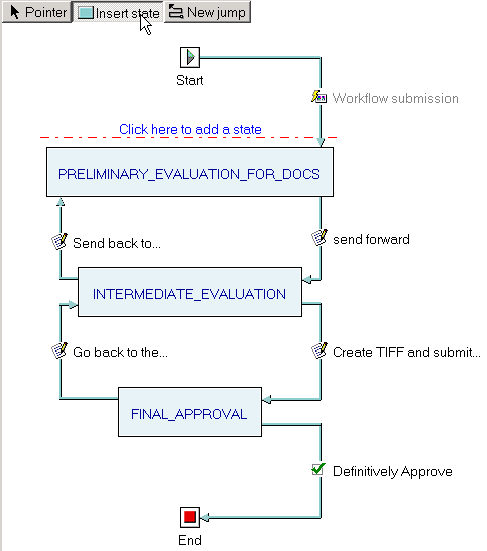
Since you want to insert the state between INTERMEDIATE_EVALUATION and FINAL_APPROVAL, move the mouse there and click
a popup menu appears with the list of states that do not belong to this process
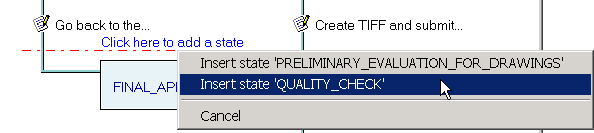
select the state QUALITY_CHECK with a click and the state is inserted
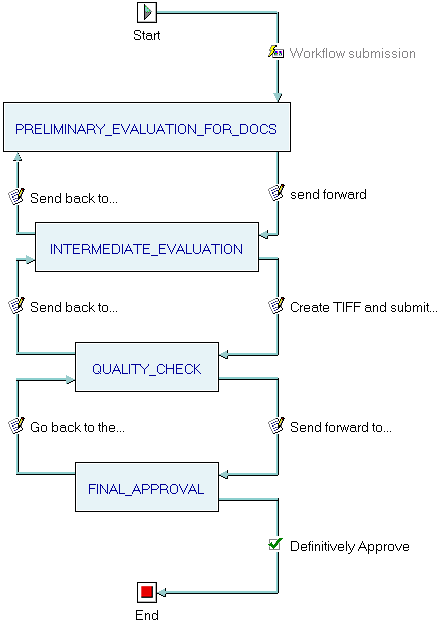
the jumps to and from the inserted state are added automatically. You can delete them or rename them as you like.