Selecting the documents to be plotted
If you haven't sent command the plotting from the pop-up menu of a single document, a dialog appears to let you select a list of documents for plotting.
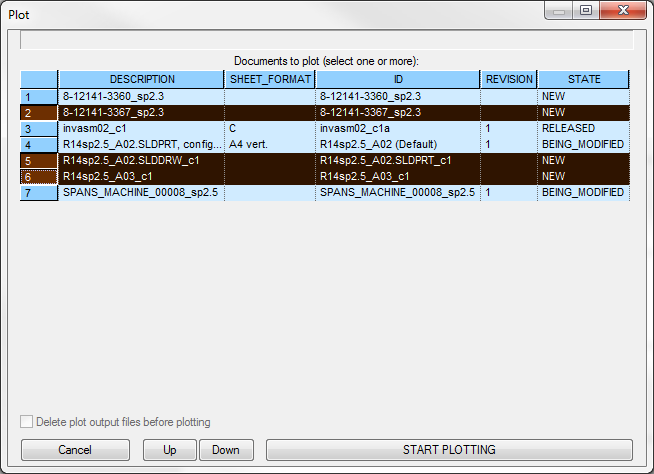
The full list includes all the documents of the type of the active list, i.e. if the current document is a part, the dialog will display all the parts.
As a first step, you must select one or more documents to be plotted ( also pressing the Shift or Ctlr keys ), then click the START PLOTTING button to actually start the plotting.
After the plotting has started, the same button displays the caption STOP PLOTTING; if you press the button now, you STOP the plotting process.
The option [X] Delete plot output files before plotting, if checked, erases all the previous written .PLT plot files. This option is volatile from session to session and must be explicitly set.
The buttons UP and DOWN can be used to modify the printing order.