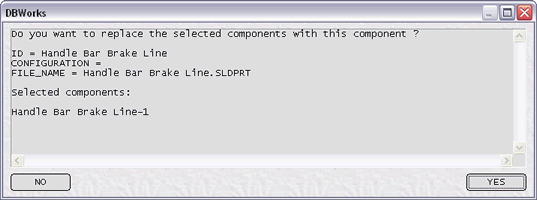
Replace selected components
Requires SolidWorks 2004 or newer
Requires Inventor 9 or newer
Replaces single instances of components in an assembly, mantaining the mates.
Procedure
1.The assembly in which the components are to be replaced must be open in the CAD application.
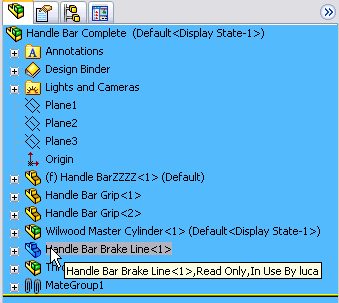
2.In the assembly select the components to be replaced.
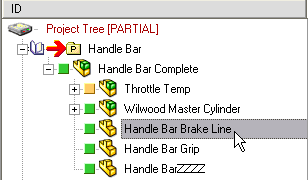
3.Then select in the MechworksPDM browser the replacing components
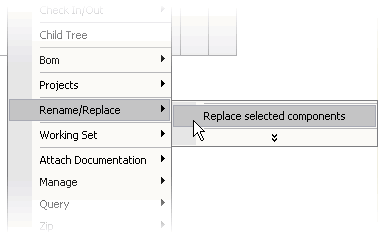
4.Finally run the command
MechworksPDM displays a confirmation dialog before replacing the components: