 Restore previous revision
The relative button in the Tree Page restores a previous revision for a node and all it's children given a date.
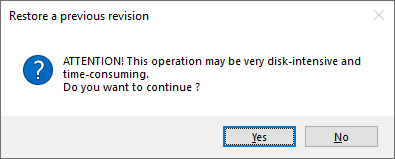
When you click this button you are first warned that the operation may take long:
After you confirmed, a dialog displays indicating previous revisions and a date to be specified:
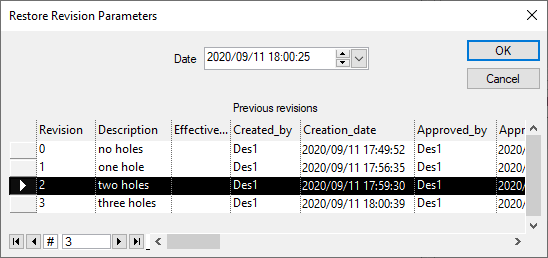
As a matter of fact this dialog is a bit of a time machine that let's you specify the exact time that you want to go back to.
All the elements under the node undergoing a revision process will then be restored as they were at the indicated time.
To come back to the current time, repeat the operation indicating the actual current time, displayed as a default value.