Passwords security
Passwords security
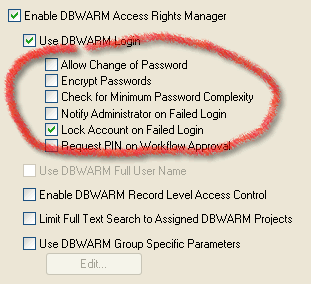
Web client is compatible with DBWorks options for password security.
Users can change their password from the page changePassword.asp
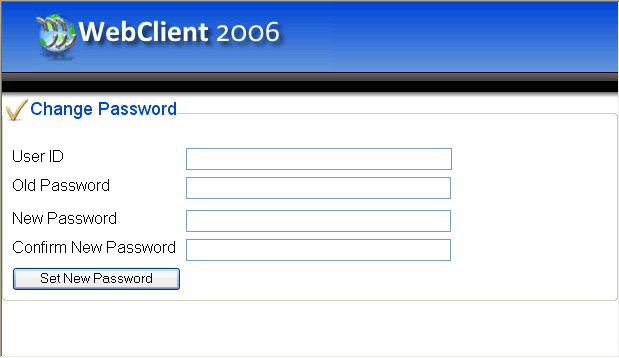
When the password does not comply with the current security settings (i.e. blank or too simple) the change of password is mandatory.
Note that the new password does not overwrite the existing DBWorks password and will be used only in the web environment. The new password is encrypted if the related DBWorks option is set.
Minimum password complexity is not validated in Web Client. Please ensure that all the users have string password if you intend to expose your data on the internet.
This feature requires that the CDONTS components are installed correctly and working on the web server.
The file program files\DBWorks Stand Alone\WebViewer\WebiewerOptions.txt must contain a line as the following
admin_email [email protected]
where the e-mail of the administrator is indicated
An e-mail is sent automatically indicating the user that failed to login.
After 6 failed attempts to login in a row from a given user, no matter from where or if on separate dates, if this option is active the web account is locked. To unlock the account the Administrator must intervene directly in the table DBWORKS_USERS of the main DBWorks database.