The child tree
To create a child tree right-click a document and in it's pop-up menu click Child tree.
Given a root document, the child tree displays a multi-level tree of the document according to the relation 'Composed of'. Therefore, the first level documents are the hierarchical children of the root document or the direct components, the second level documents are the grandchildren of the root document and so on...
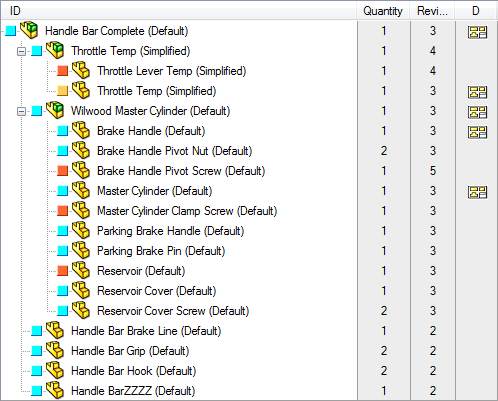
Note that the first level branches are exactely the same documents displayed in the 'Composed of' grid of the Documents Page but unlike in that grid, here you can continue traversing and have a complete overview of the structure.
Child tree in an external window (mini browser)
Starting from R17 an additional entry in the RMB menu allows to obtain a child tree in a separate window:
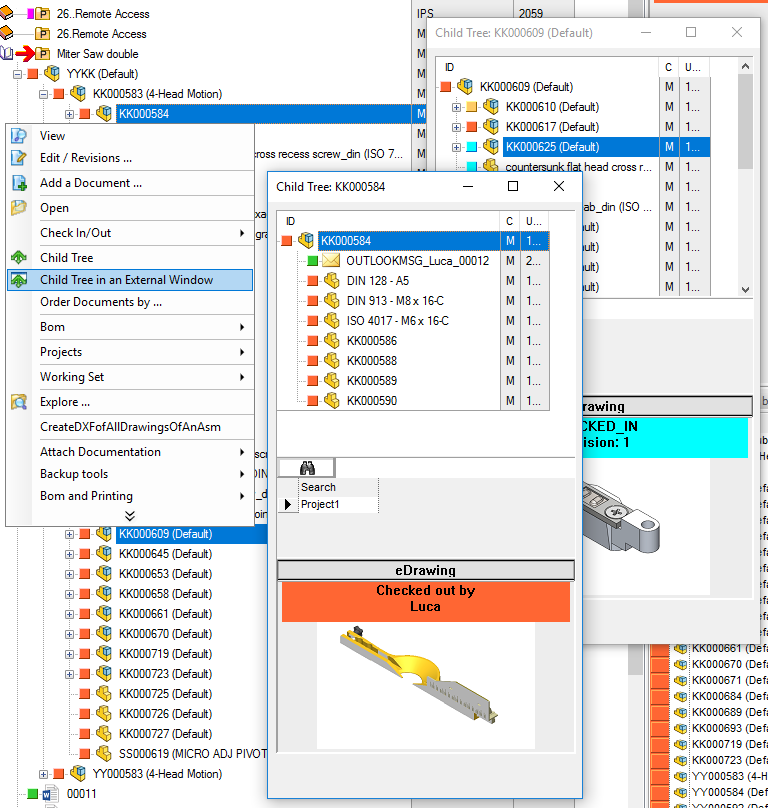
Please note the minibrowser is intended to be a further way to see tree structures rather than a full working substitute of the Tree in the PDM browser. For this reason the minibrowser has limitations on actions you can perform on it.
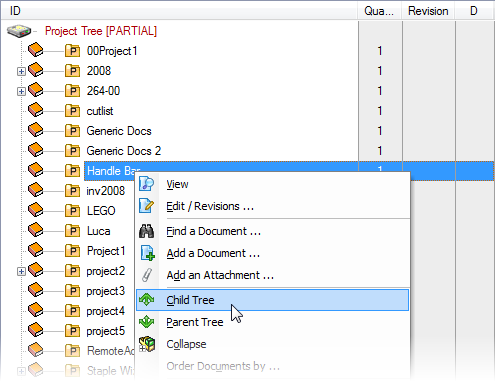
Child tree from a project
This command allows, from the RMB popup menu of a Child Tree document, to select a Project and to build the Child Tree of that Project.
Rebuild performance improvements
Stop rebuild
The ESC key stops the rebuilding of the tree both in the projects tree and in the TreePage.
Options to avoid enlisting of unnecessary files
In the Tree options, you can define file patterns to exclude files from being included both in the parent and in the child tree.
See specific help about Options→User Interface→Tree